Kiểm tra DNS
Kiểm tra DNS
DNS giữa Datacenter và các VPC
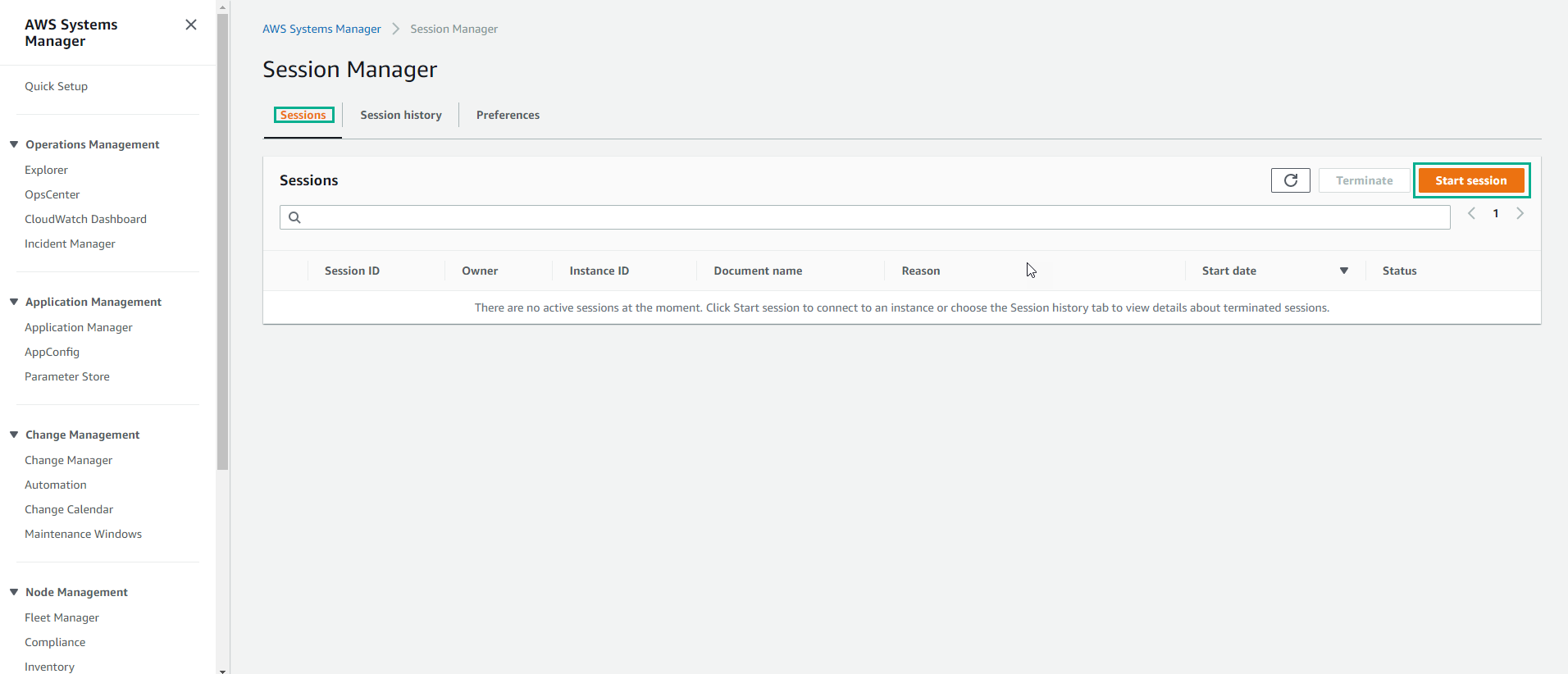
- Truy cập AWS System Manager
- Chọn Session Manager
- Chọn Start session
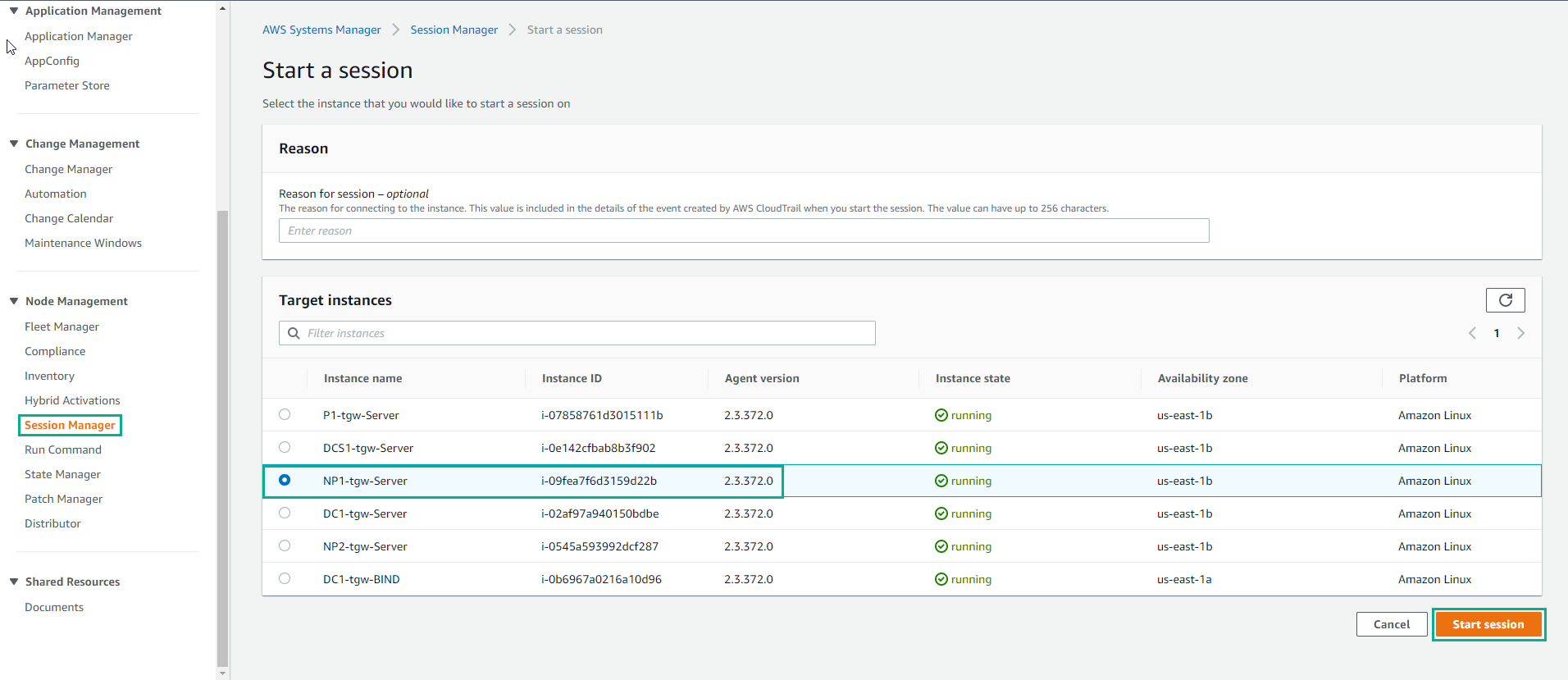
- Trong giao diện Start session
- Chọn NP1-tgw-Server
- Chọn Start session
- Trong giao diện Session, thực hiện ping np1.your_domain_name
ping np1.aws.example.com
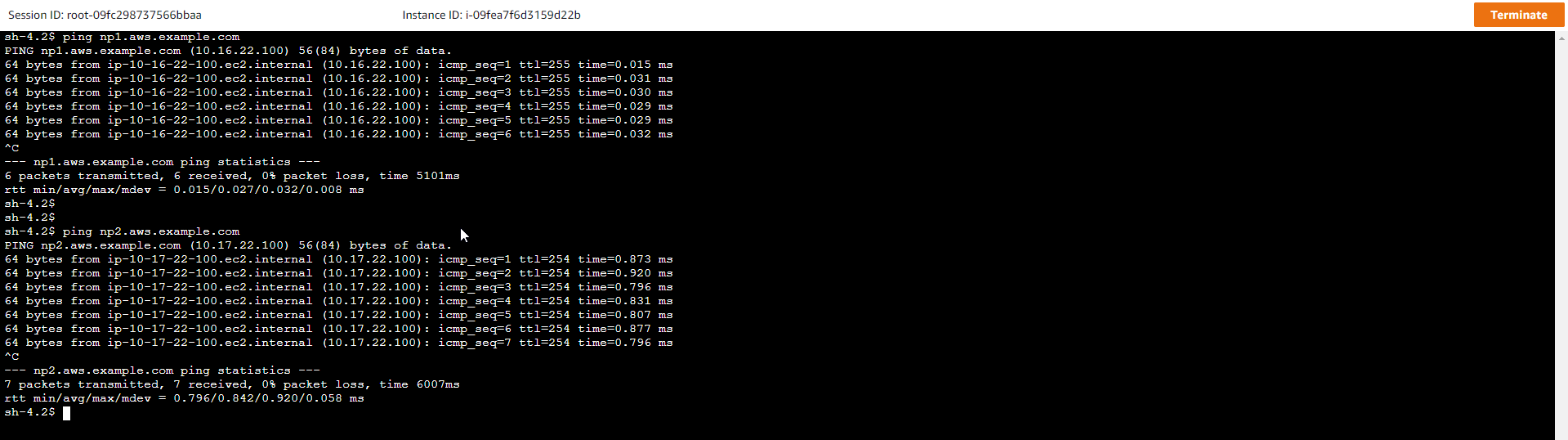
- Tiếp tục với lệnh:
dig aws.example.com
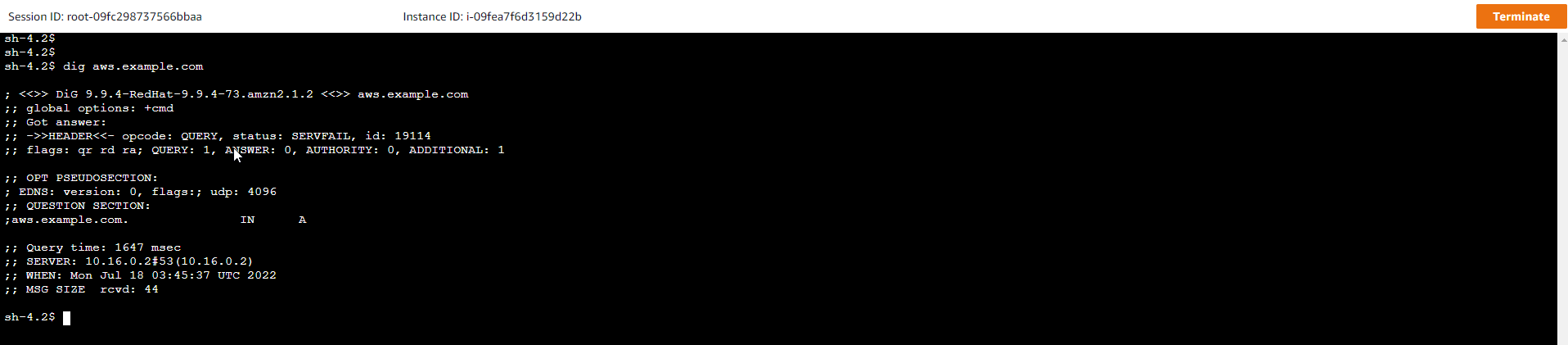
- Trong giao diện AWS Management Console
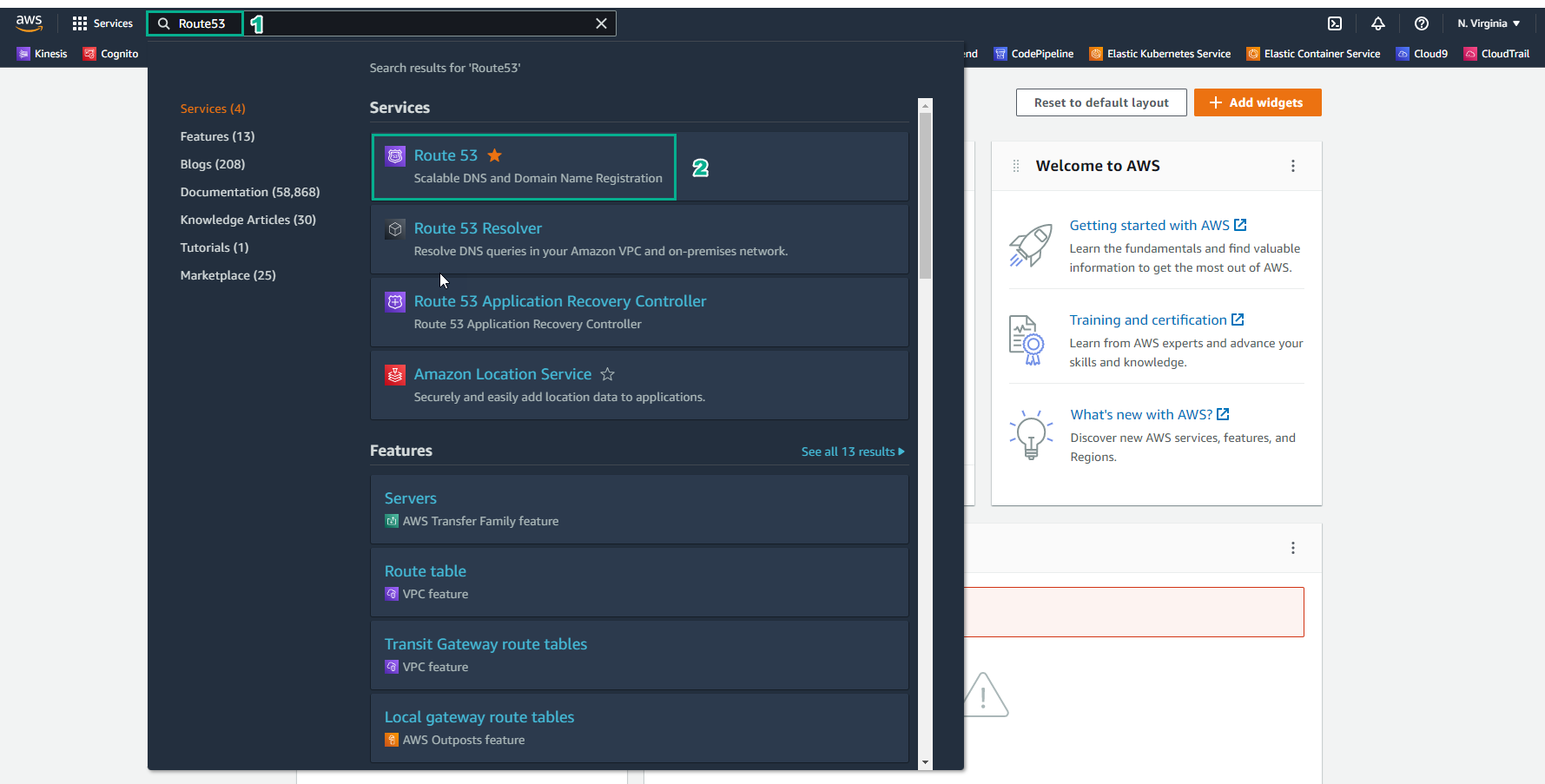
- Tìm Route 53
- Chọn Route 53
- Chọn Outbound endpoints
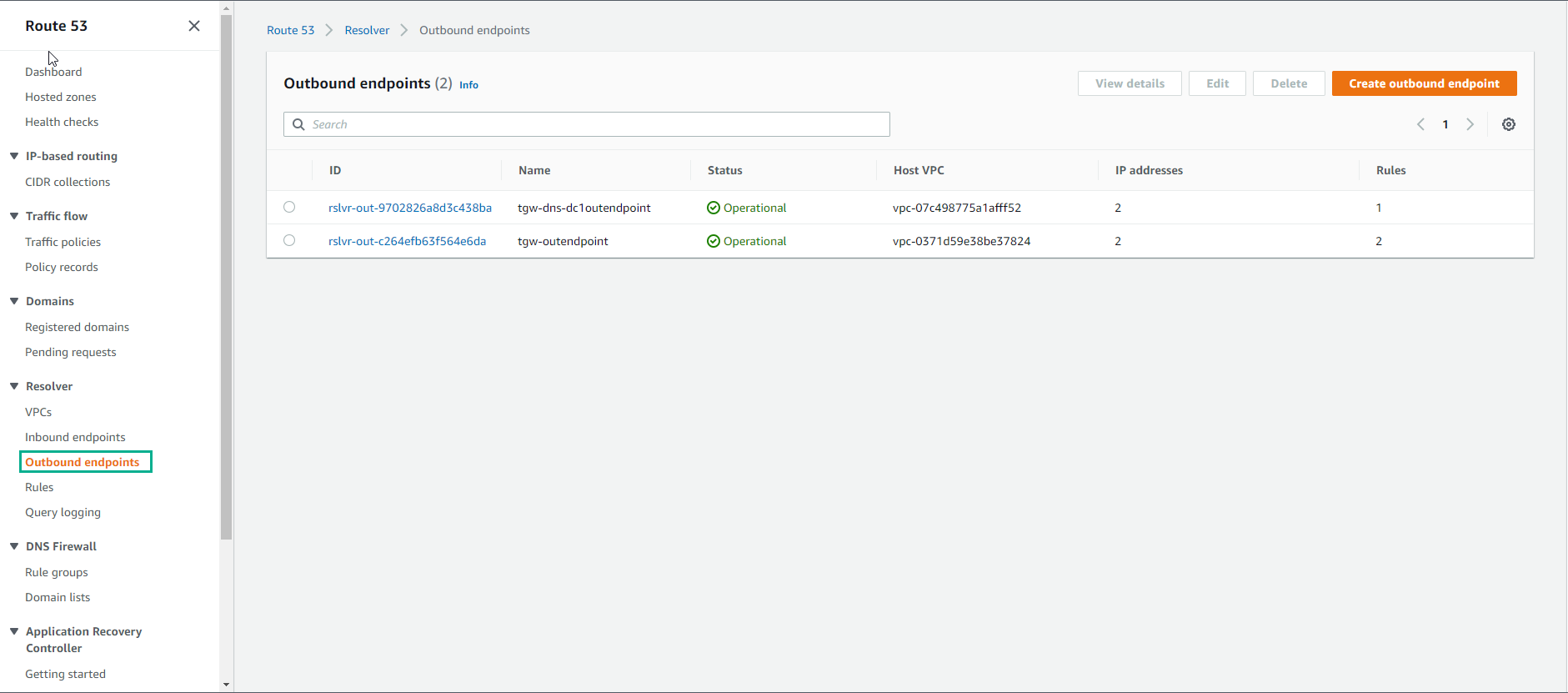
- Chọn tgw-dns-dc1outendpoint
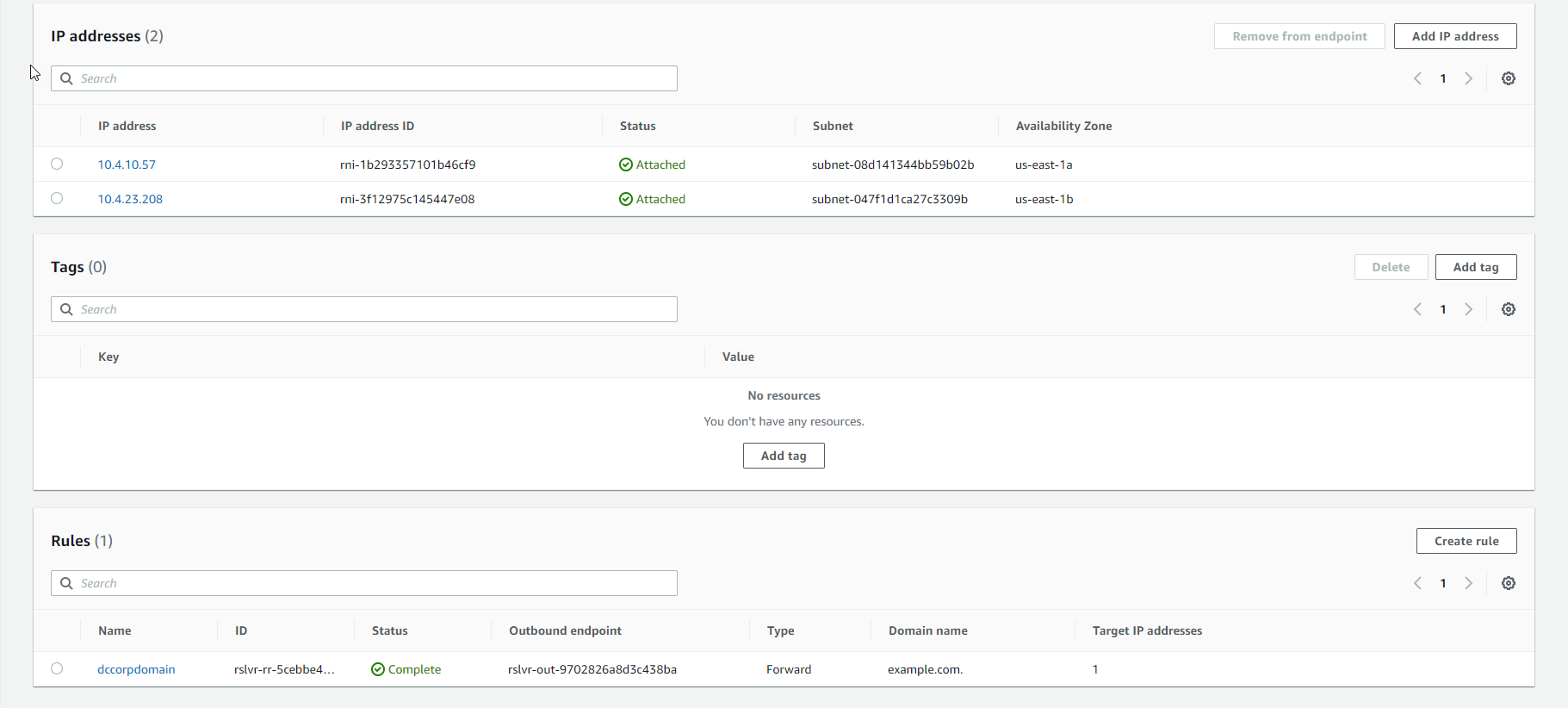
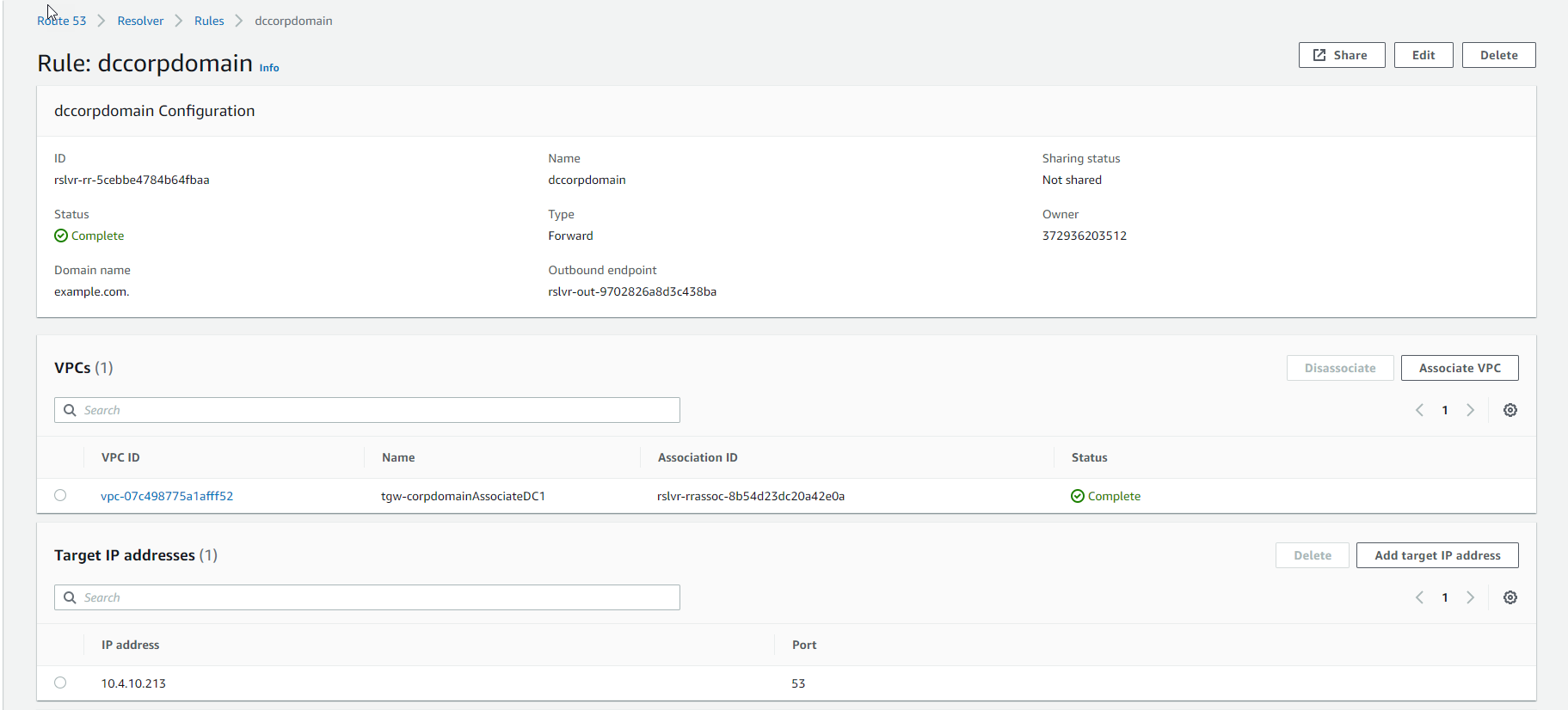
- Chọn rule hiện thị
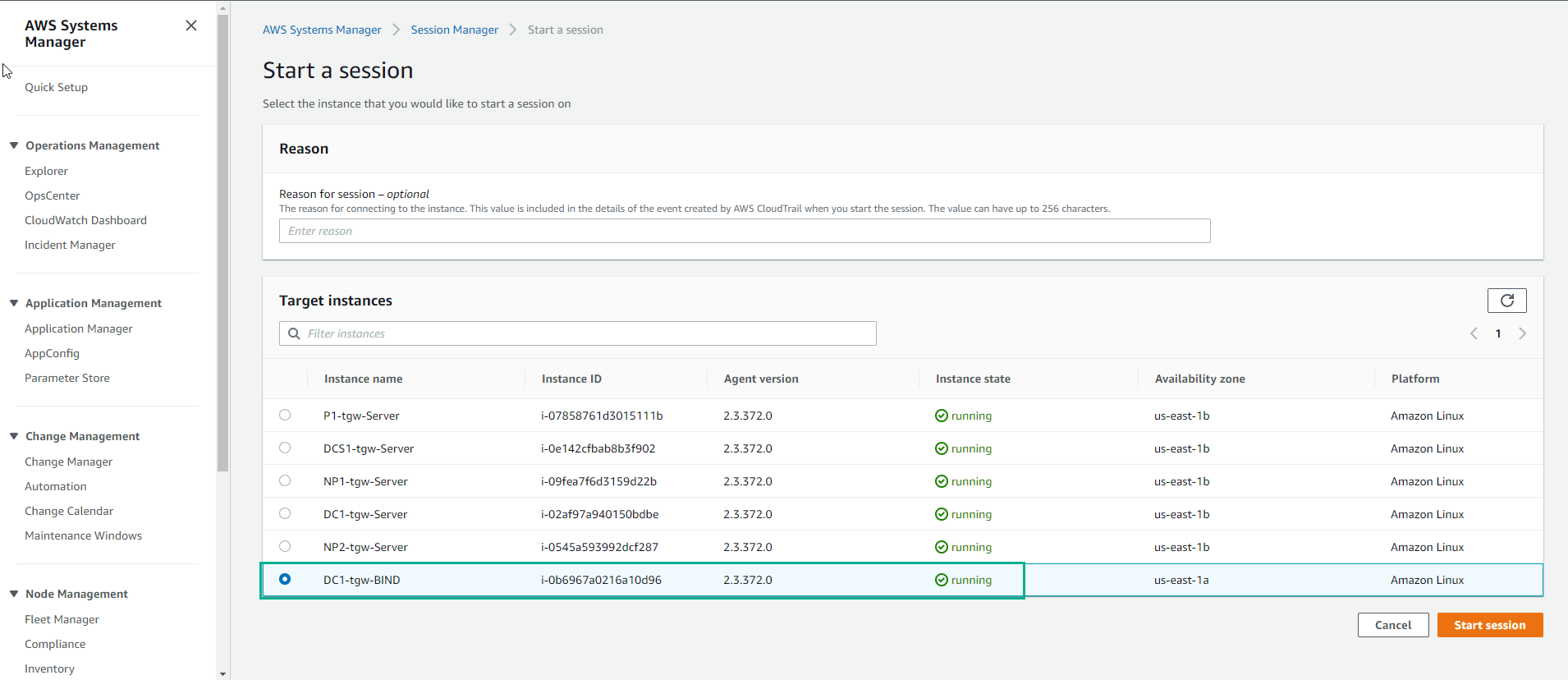
- Bắt đầu session với DC1-tgw-BIND, chọn Start session
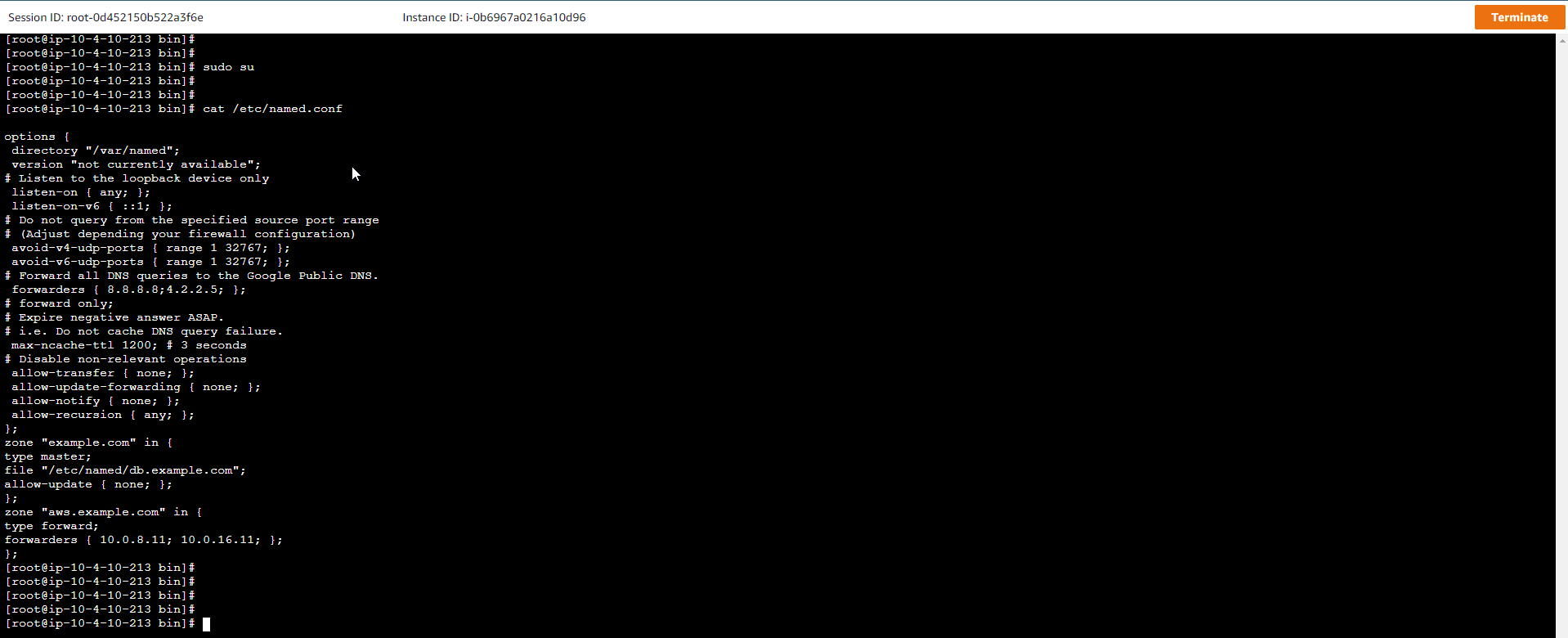
- Thực hiện các lệnh sau:
sudo su
cat /etc/named.conf
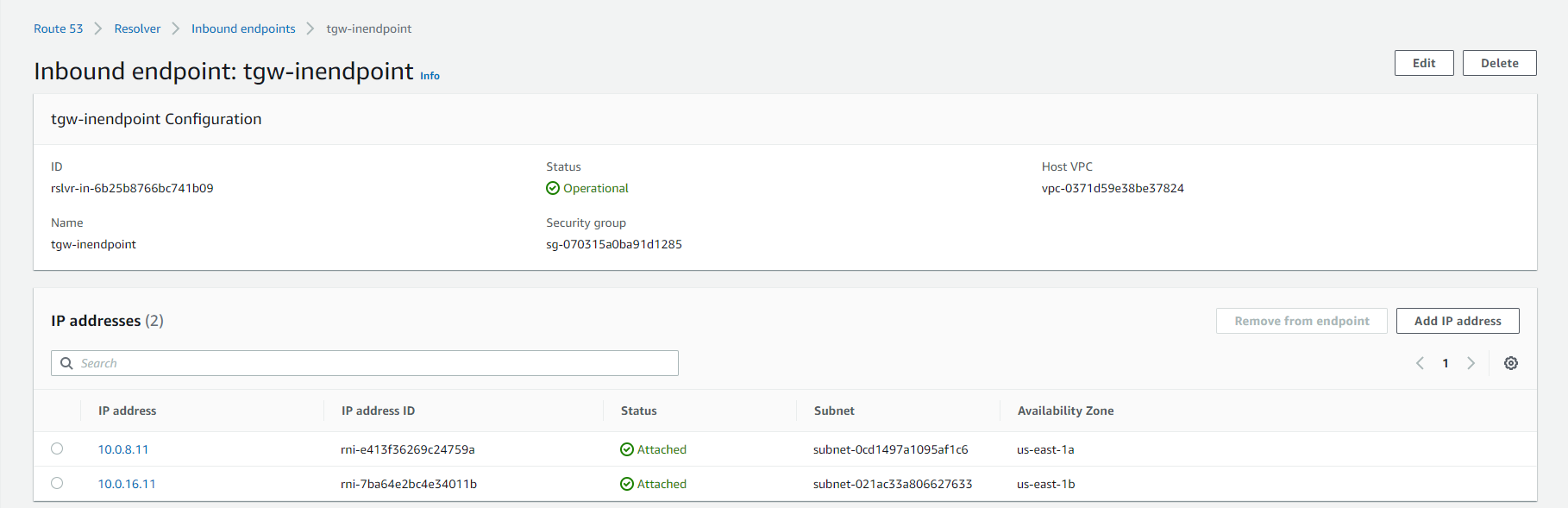
- Truy cập vào Inbound Endpoint, chọn Ednpoint hiển thị.
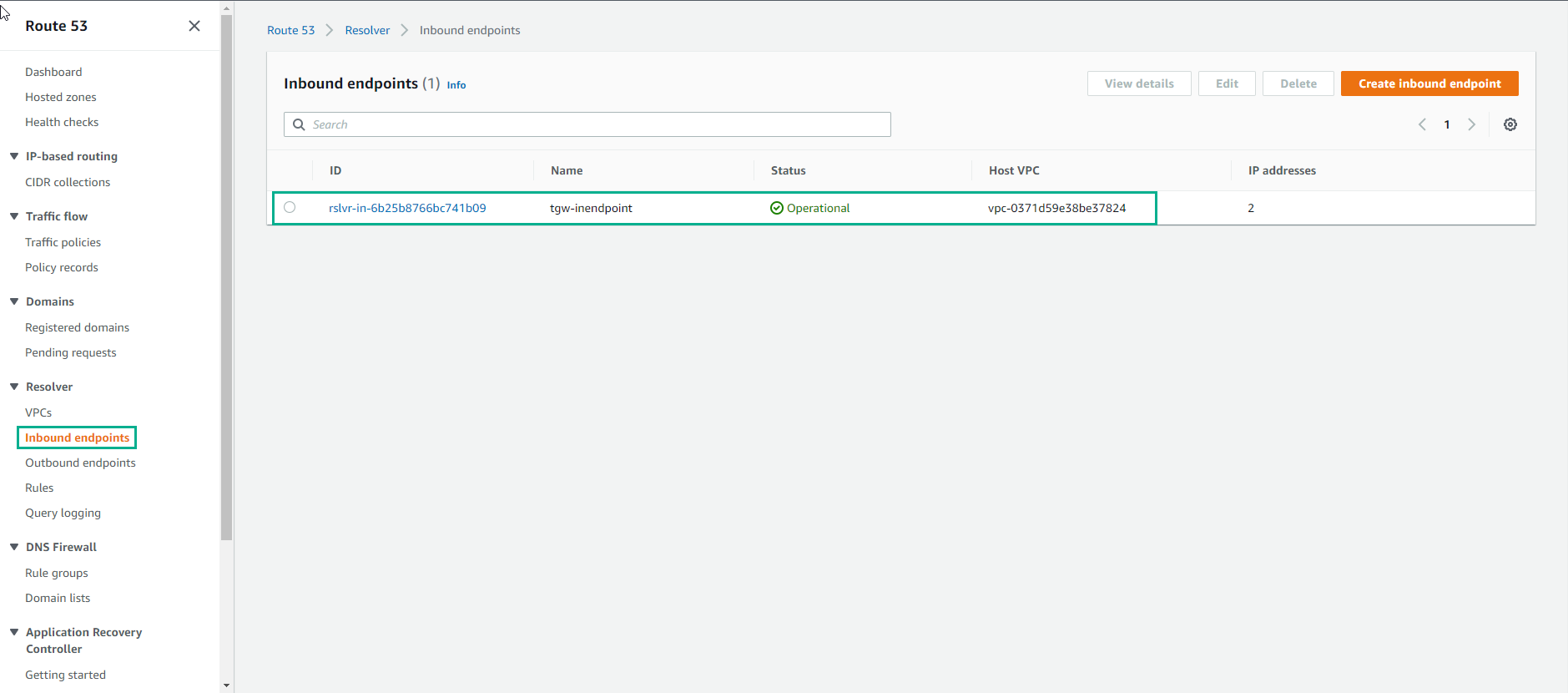
- Xem chi tiết Inbound Endpoint
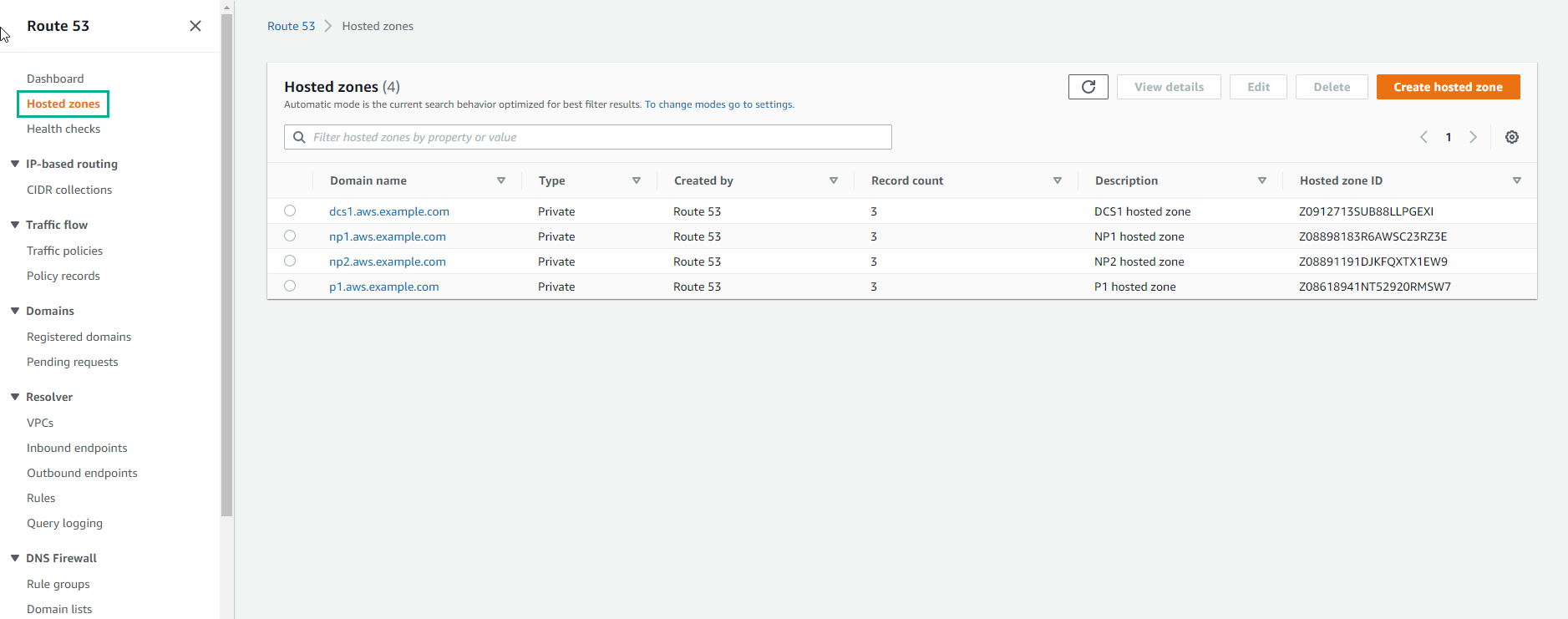
- Truy cập vào Route 53, chọn Hosted zones, chúng ta sẽ thấy các domain name đã tạo.