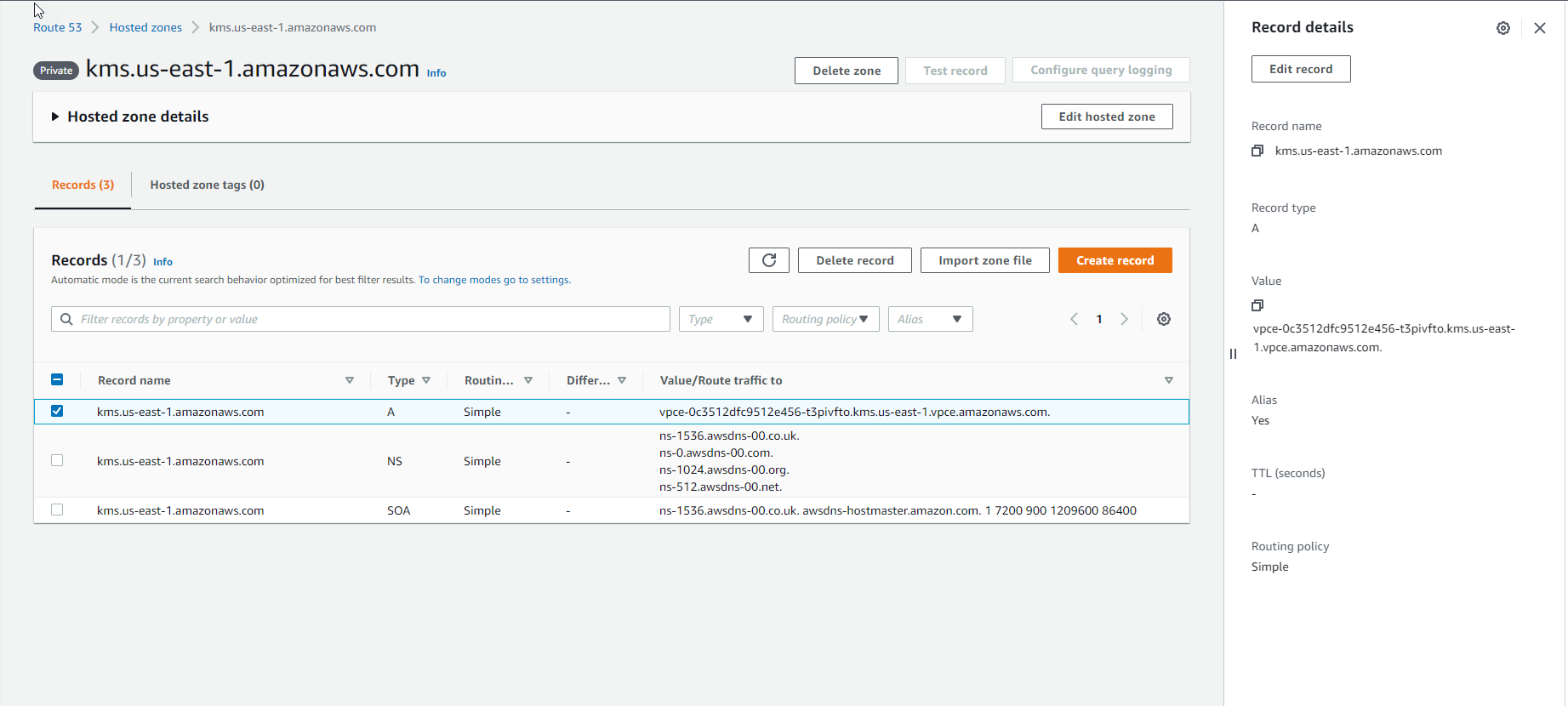
Kiểm tra VPC Endpoint
Kiểm tra VPC Endpoint
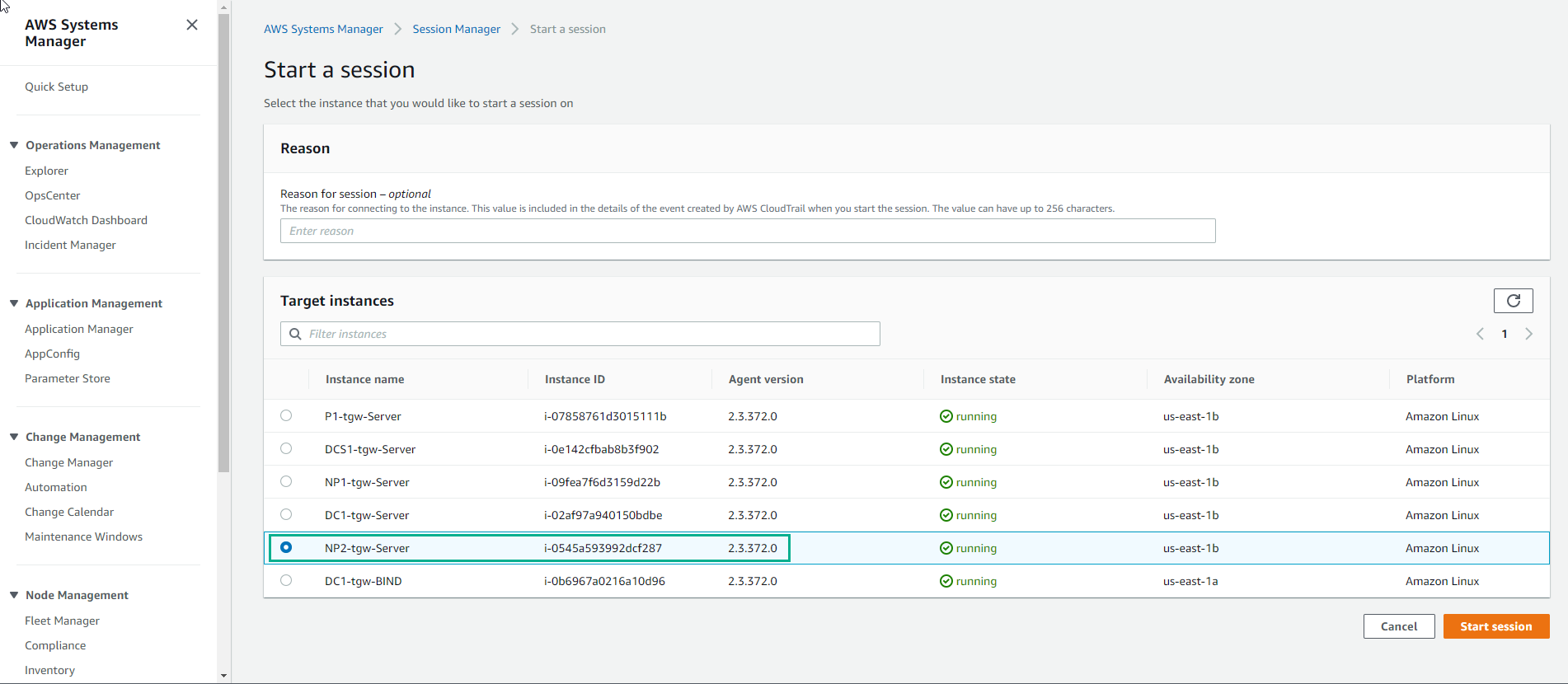
- Truy cập vào System Manager
- Chọn Session Manager
- Chọn Start session
- Chọn NP2-tgw-Server
- Chọn Start session
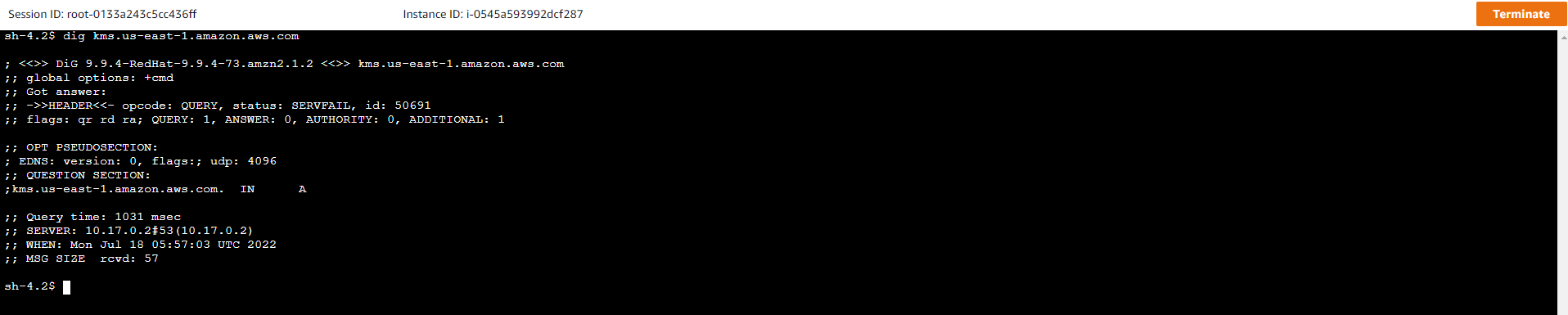
- Thực hiện lệnh sau:
dig kms.your_region.amazonaws.com
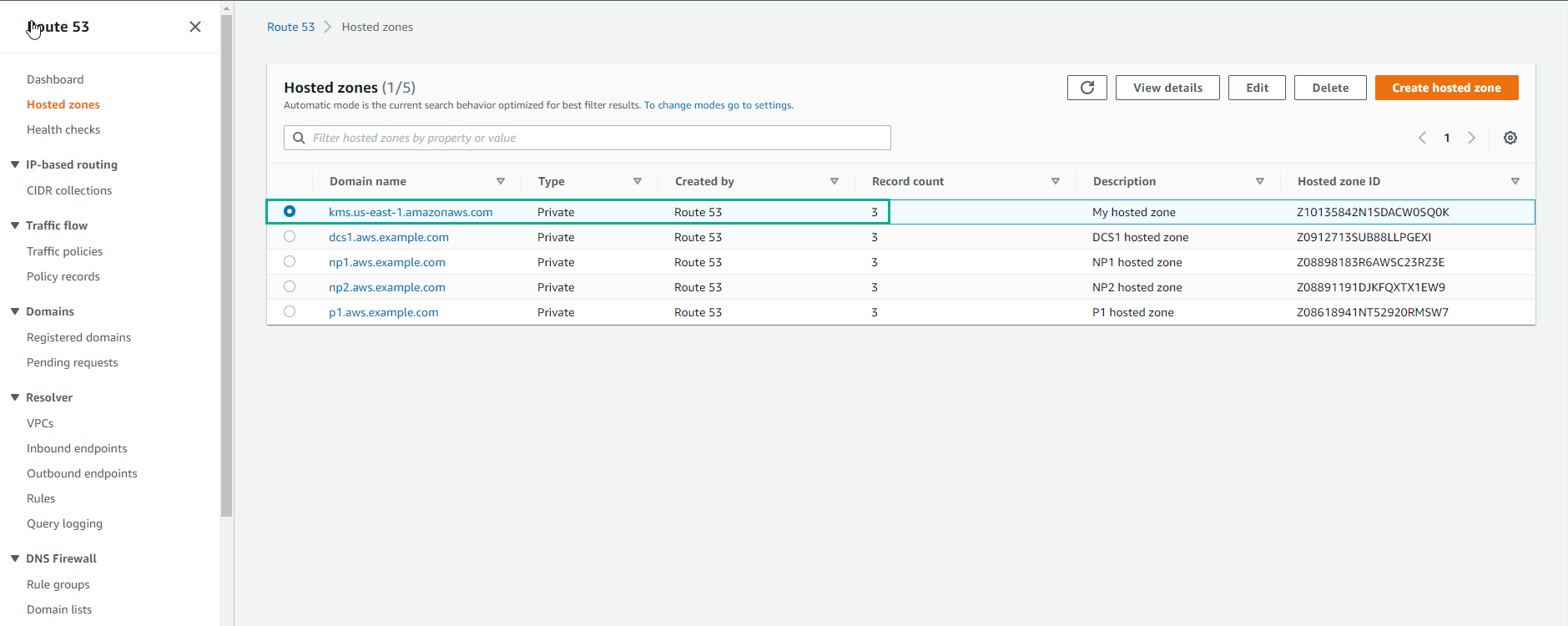
- Truy cập vào Route 53
- Chọn Hosted zones
- Chọn kms.your_region.amazonaws.com
- Xem chi tiết