VPC Deployment
VPC Deployment
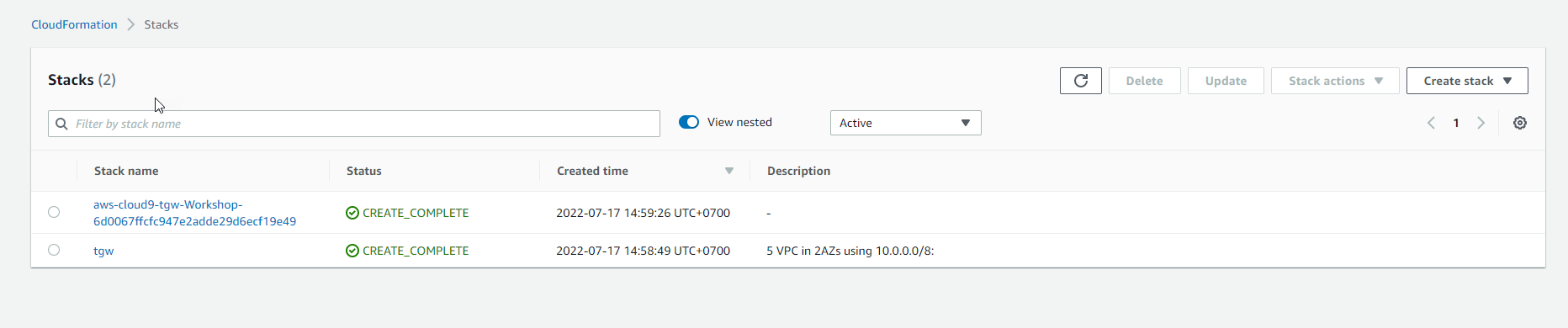
We need to get our base infrastructure in place. The following CloudFormation template will build out five VPCs. Pick the region you want to and keep that choice during any upcoming lab.
We will be explaining these VPCs in detail shortly.
Click on the CloudFormation Launch link below that corresponds to the AWS Region in which you want to deploy the workshop.
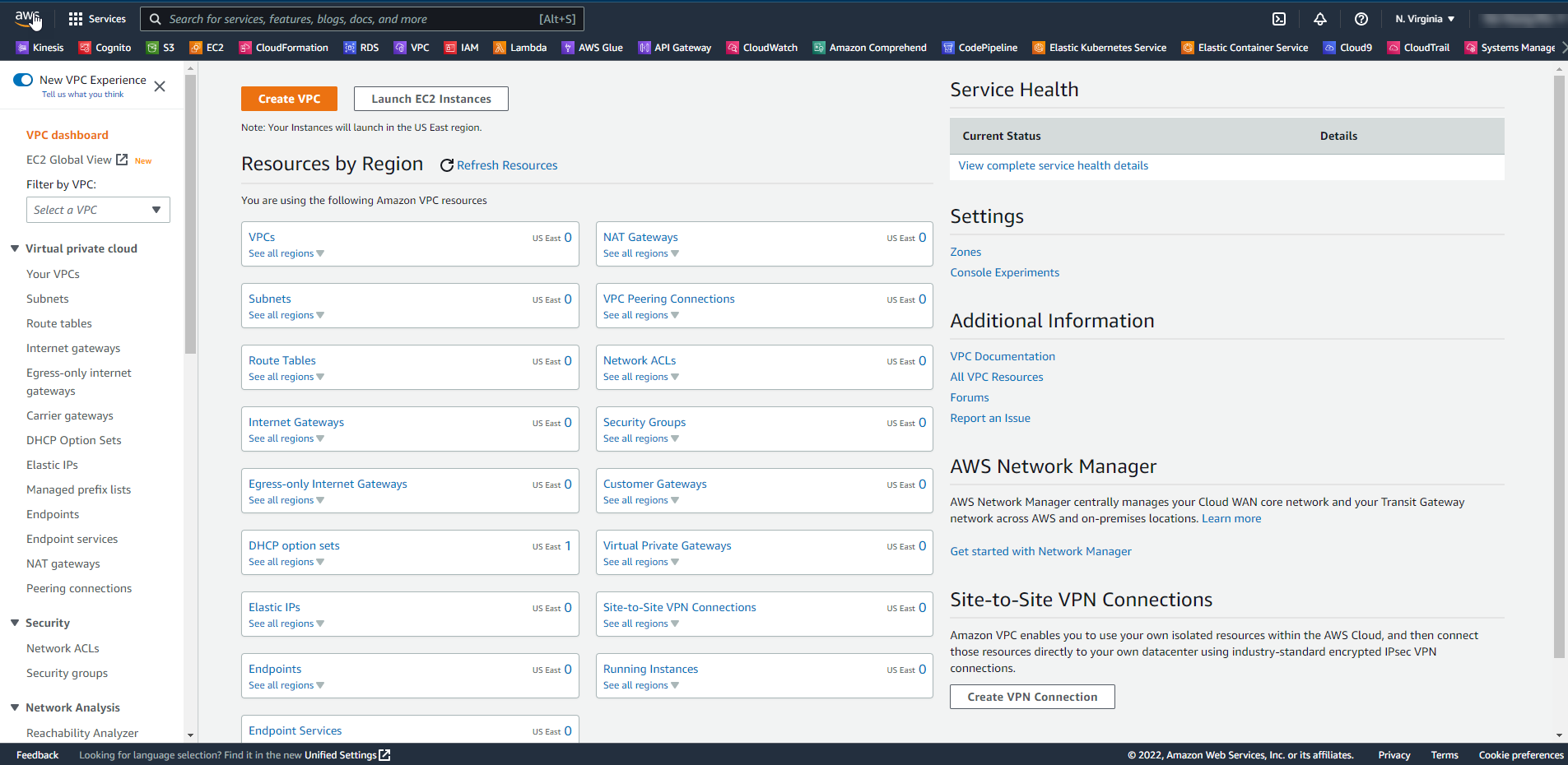
Check deleted VPC Default
- Access the interface VPC
-
In the VPC interface
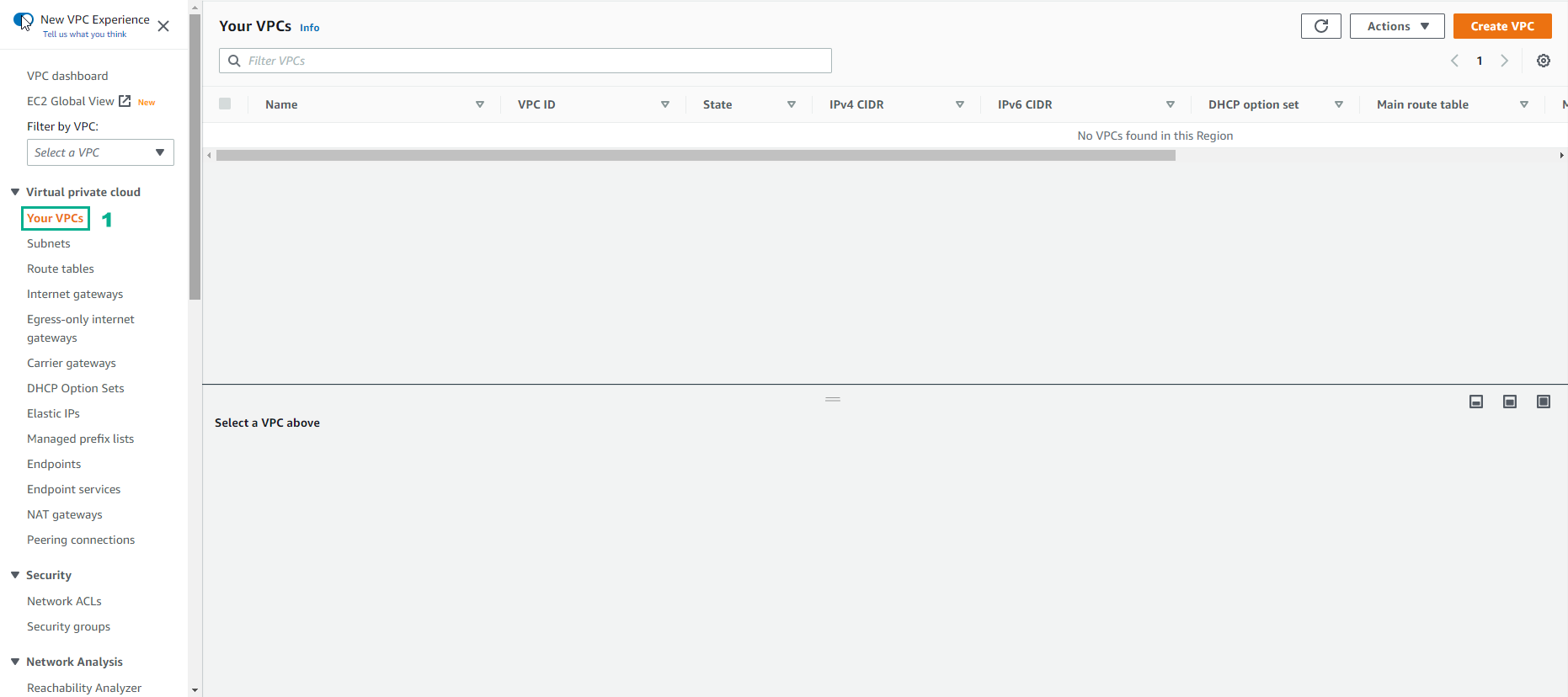
- Select Your VPC
- Check current VPC number is 0.
Create AWS Key Pair
For our simulated Data Center Router, we will need to use a key pair for secure SSH access. When you generate a key pair in AWS, the public key is stored in your account in the region you created it. Instant downloadable private key; in fact, this is the only time the private key will be available, so download and store it securely.
-
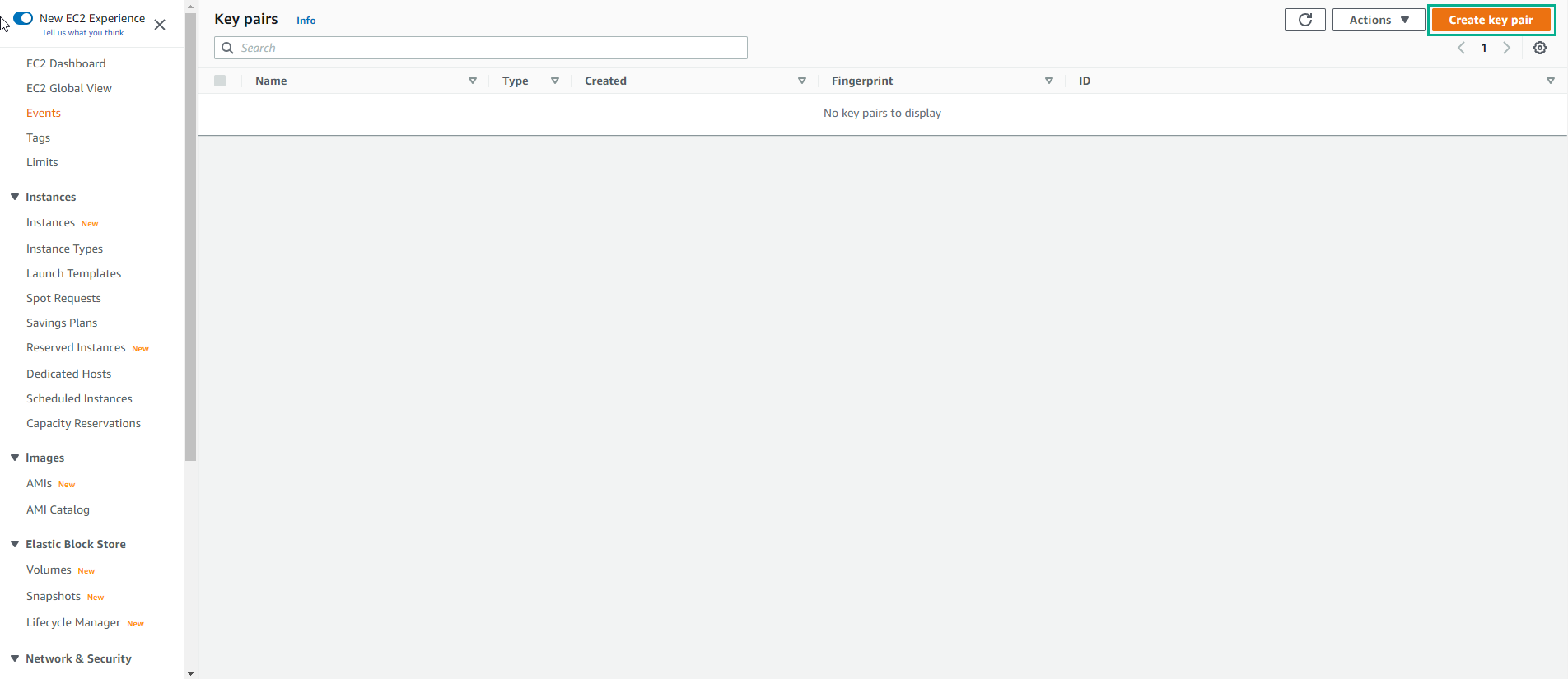
Access the interface Key Pair
- Select Create Key pair
-
In the Create Key Pair interface
- Enter the name of Key Pair
- Select key pair type as RSA
- Select format as .pem
- Select Create Key Pair
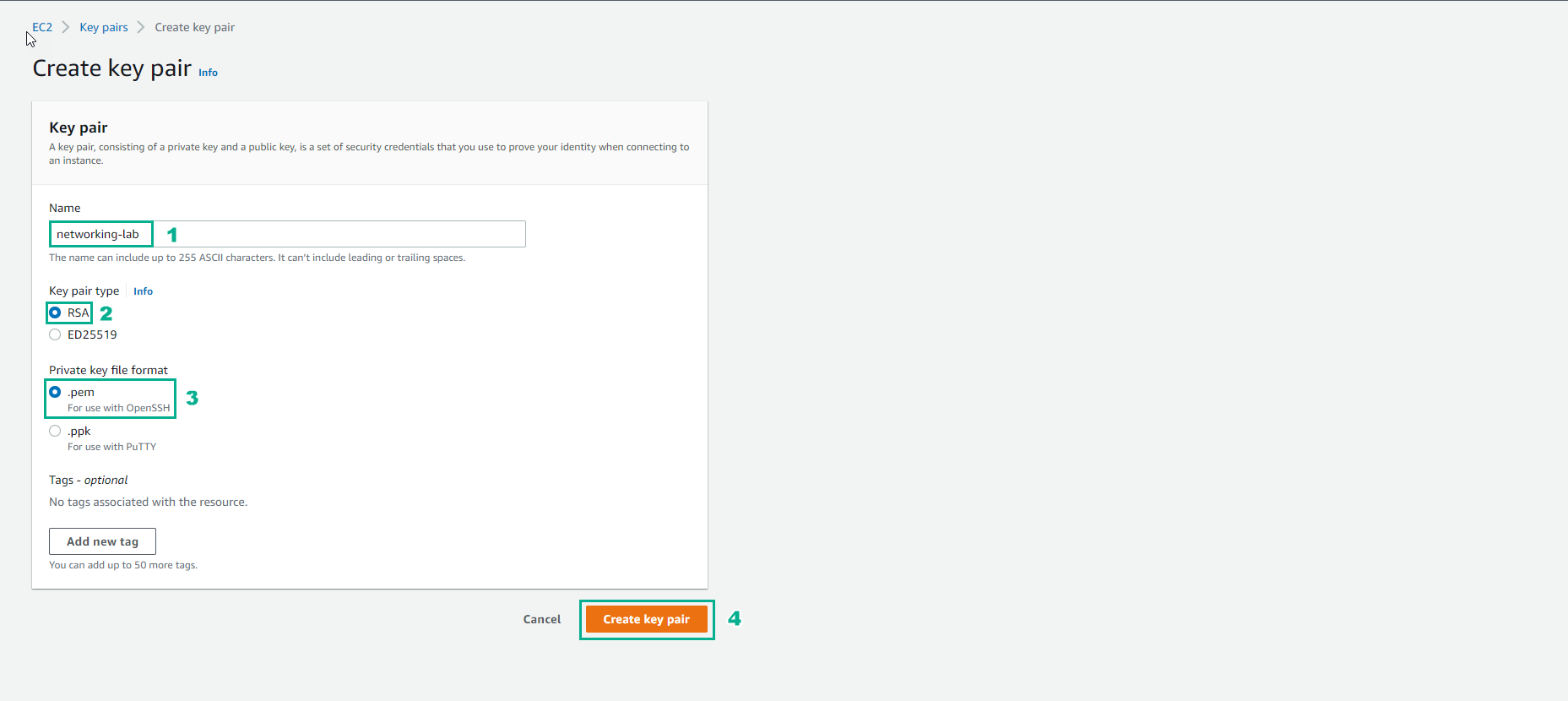
VPC Deployment
In this step we will use CloudFormation to deploy the infrastructure, specifically deploying 5 VPCs.
-
Access the creation interface Stack CloudFormation
- In the stack creation interface, we will enter the stack name
- Then select the parameters. For VPC Parameters, Select the AZs.
- Select Capabilities
- Select Create stack
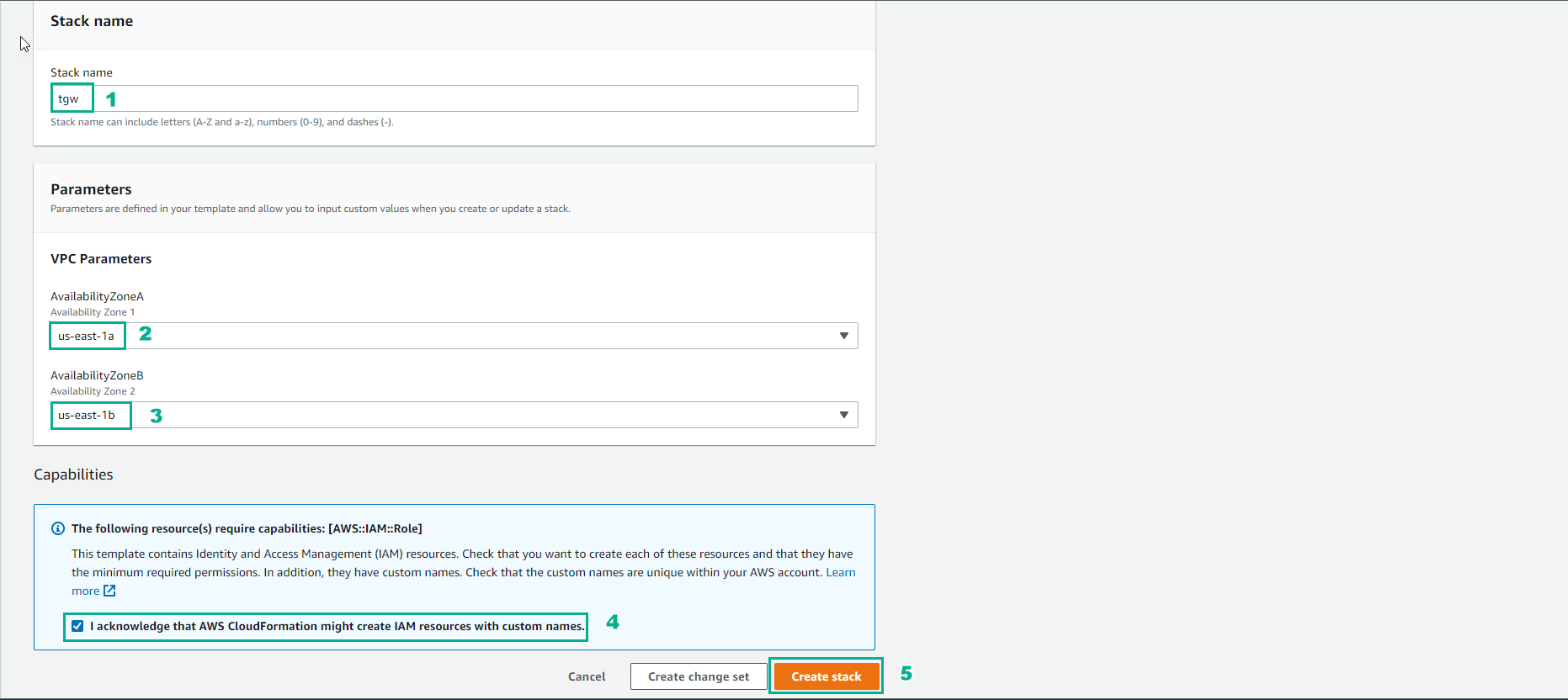
- Wait about 20 minutes, we will finish creating the stack.
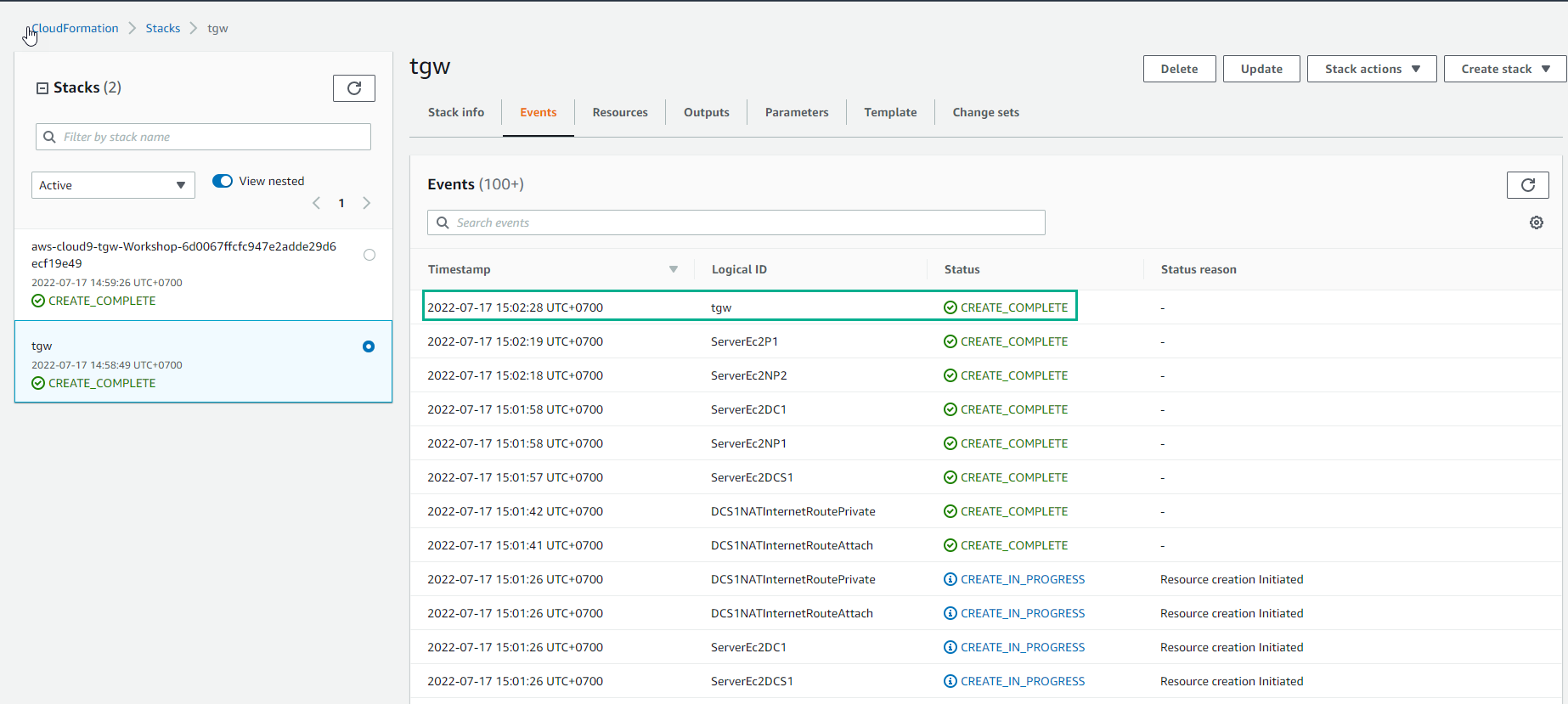
- Stack details are created including 5 VPCs in 2 AZs and using IP 10.0.0.0/8 and AWS Cloud9 environment