DNS Testing
DNS Testing
DNS between Datacenter and VPCs
-
Access AWS System Manager
- Select Session Manager
- Select Start session
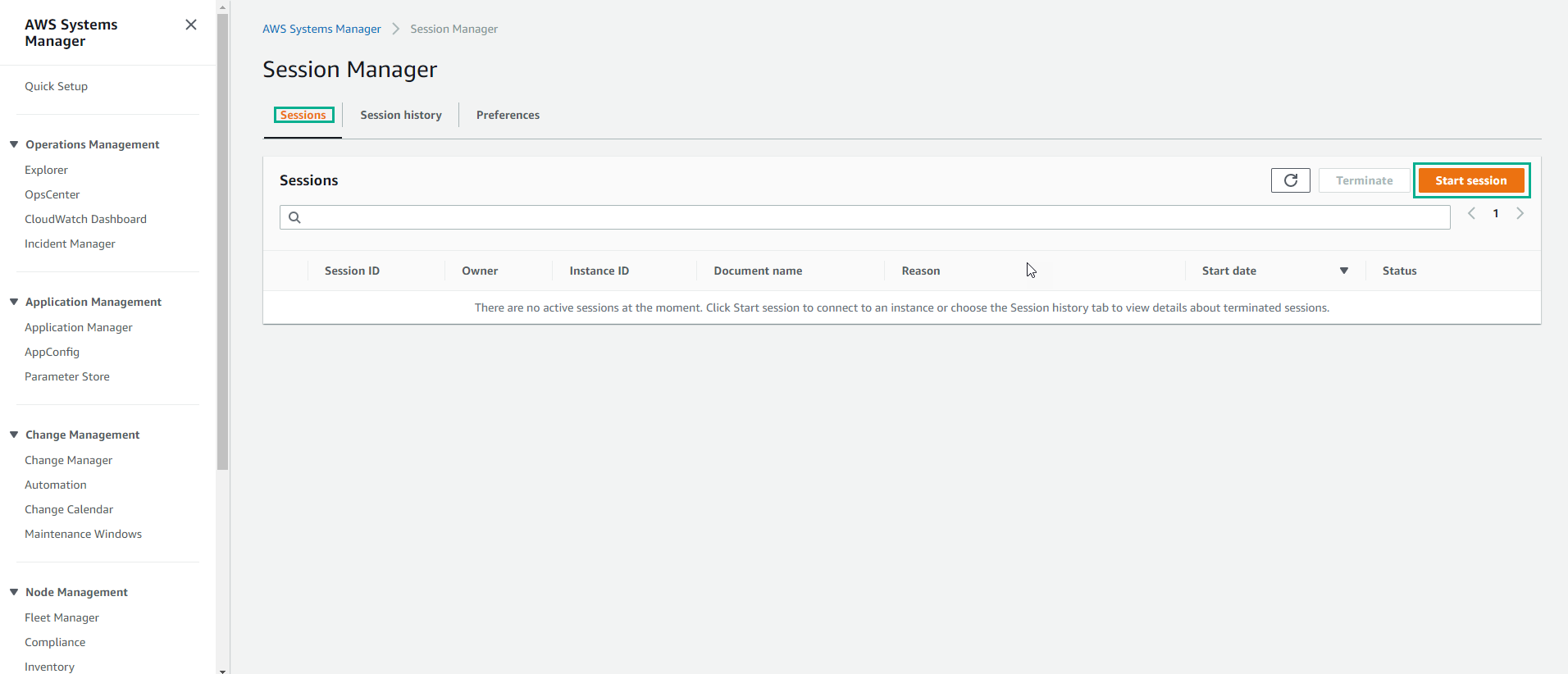
-
In the Start session interface
- Select NP1-tgw-Server
- Select Start session
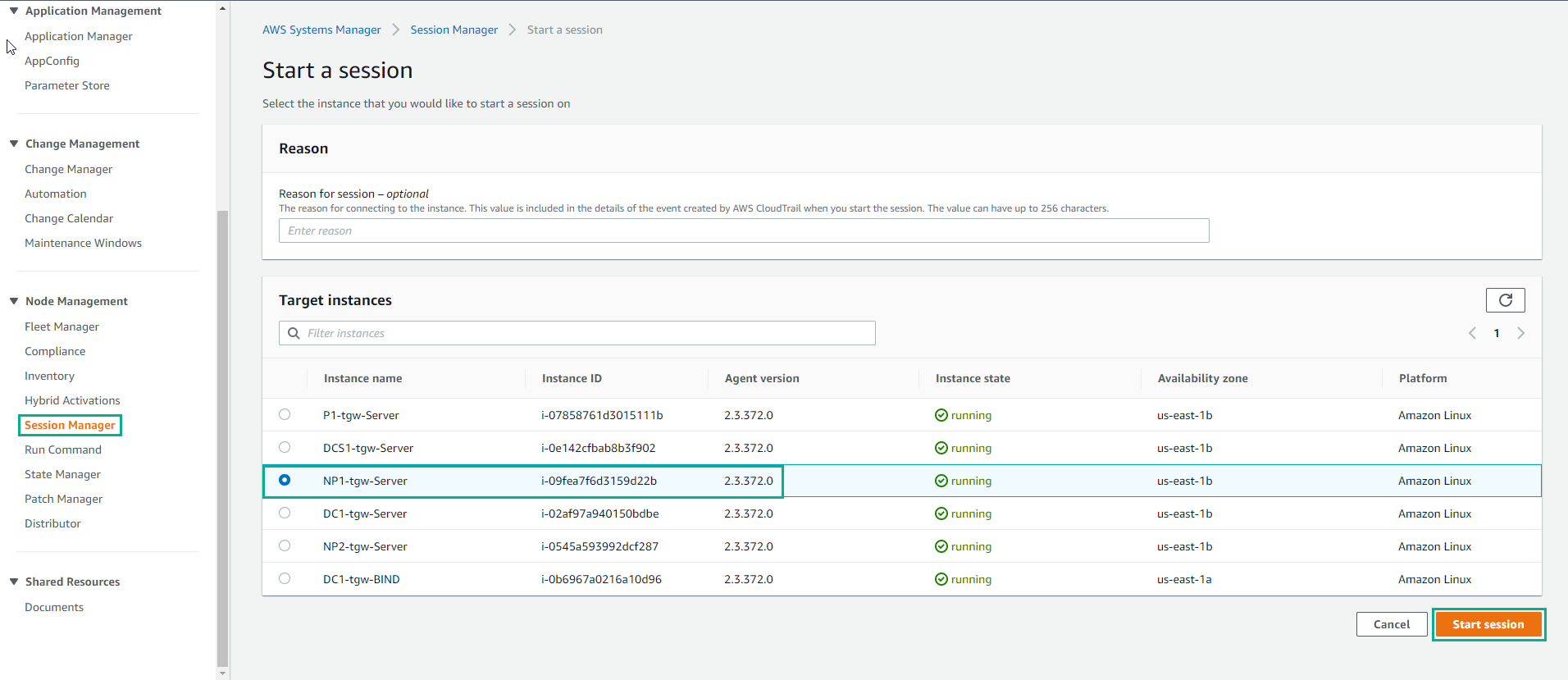
- In the Session interface, do a ping np1.your_domain_name
ping np1.aws.example.com
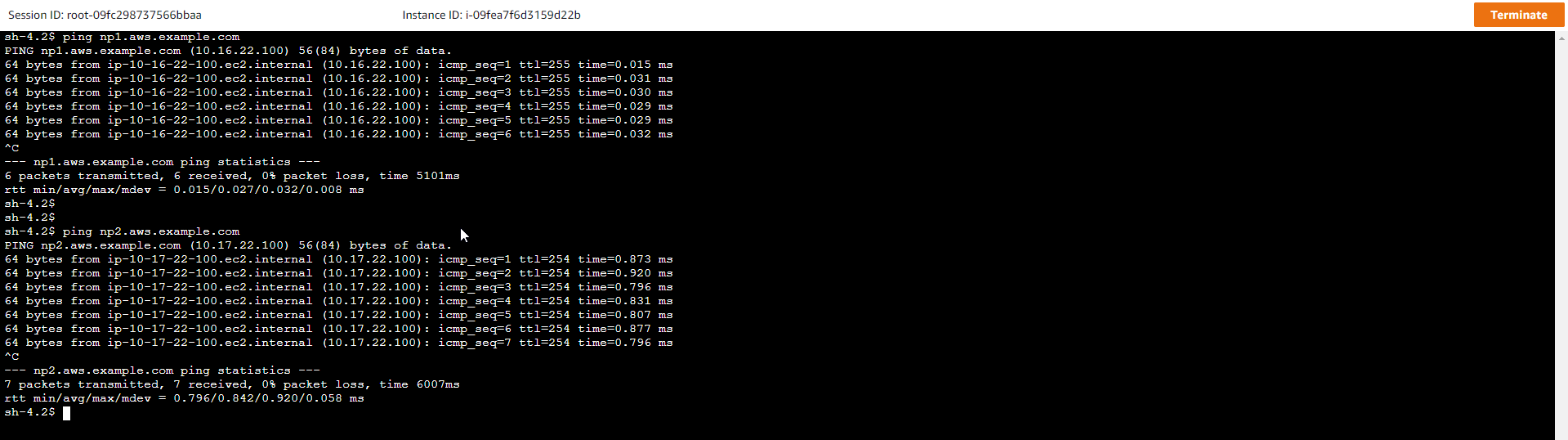
- Continue with the command:
dig aws.example.com
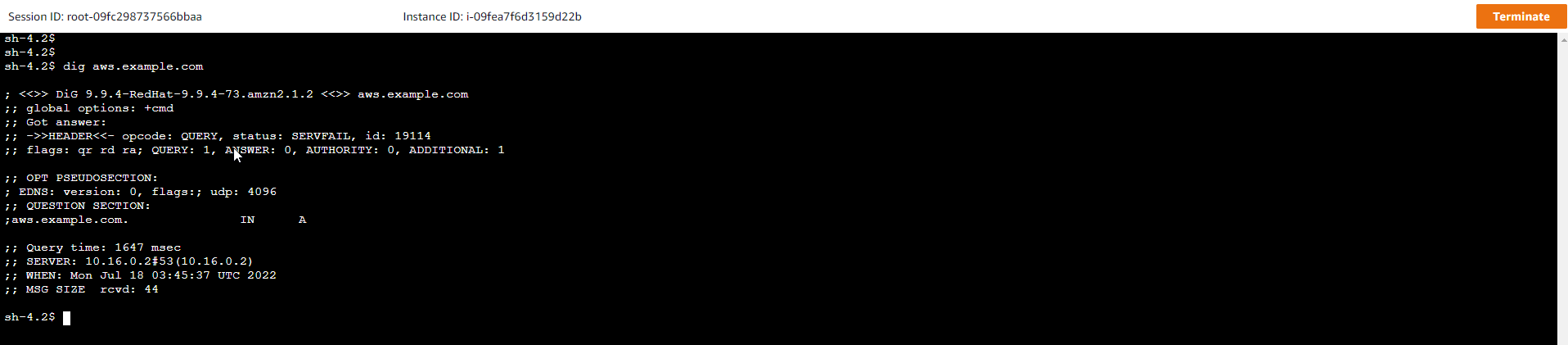
-
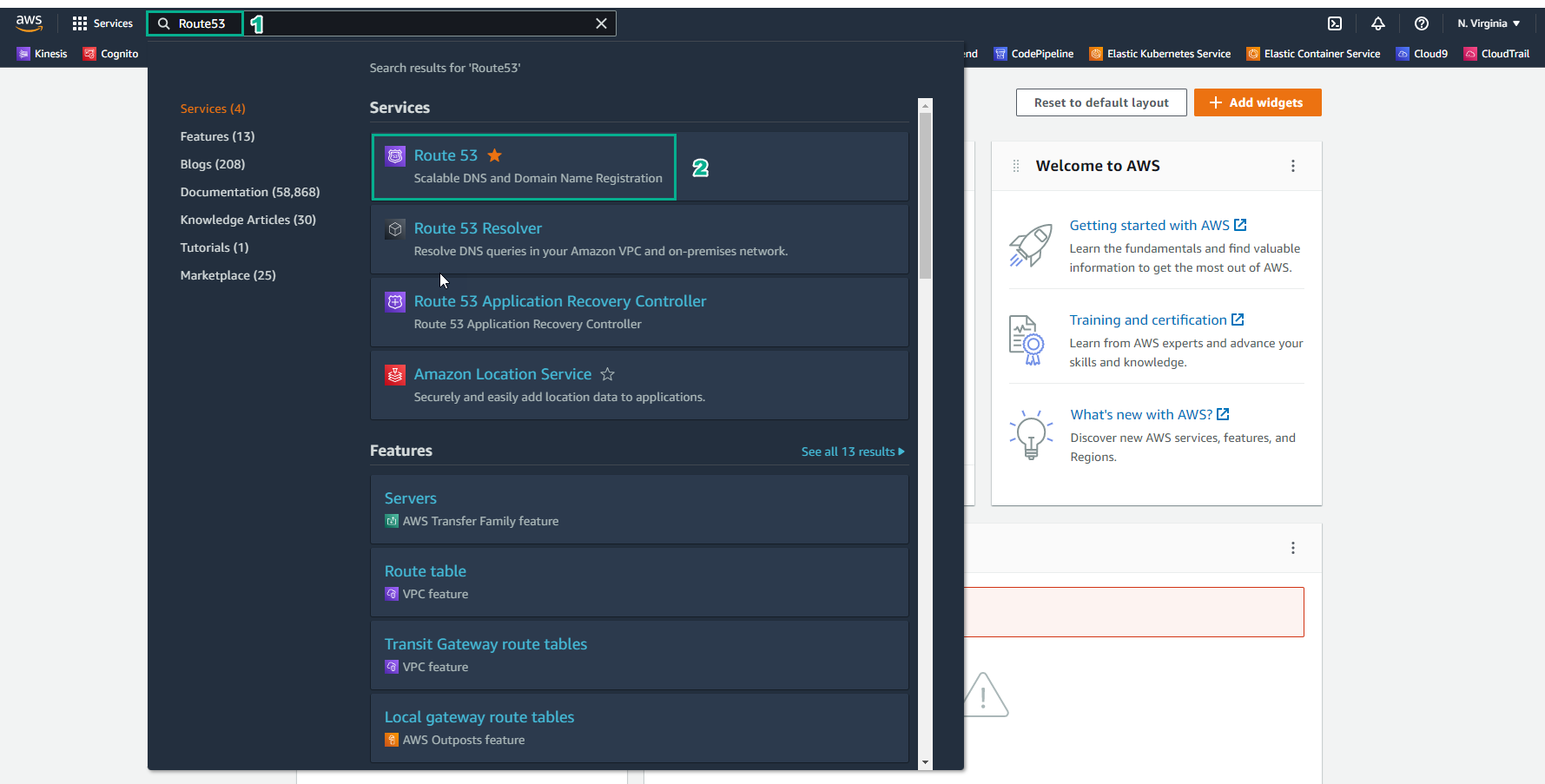
In the AWS Management Console interface
- Find Route 53
- Select Route 53
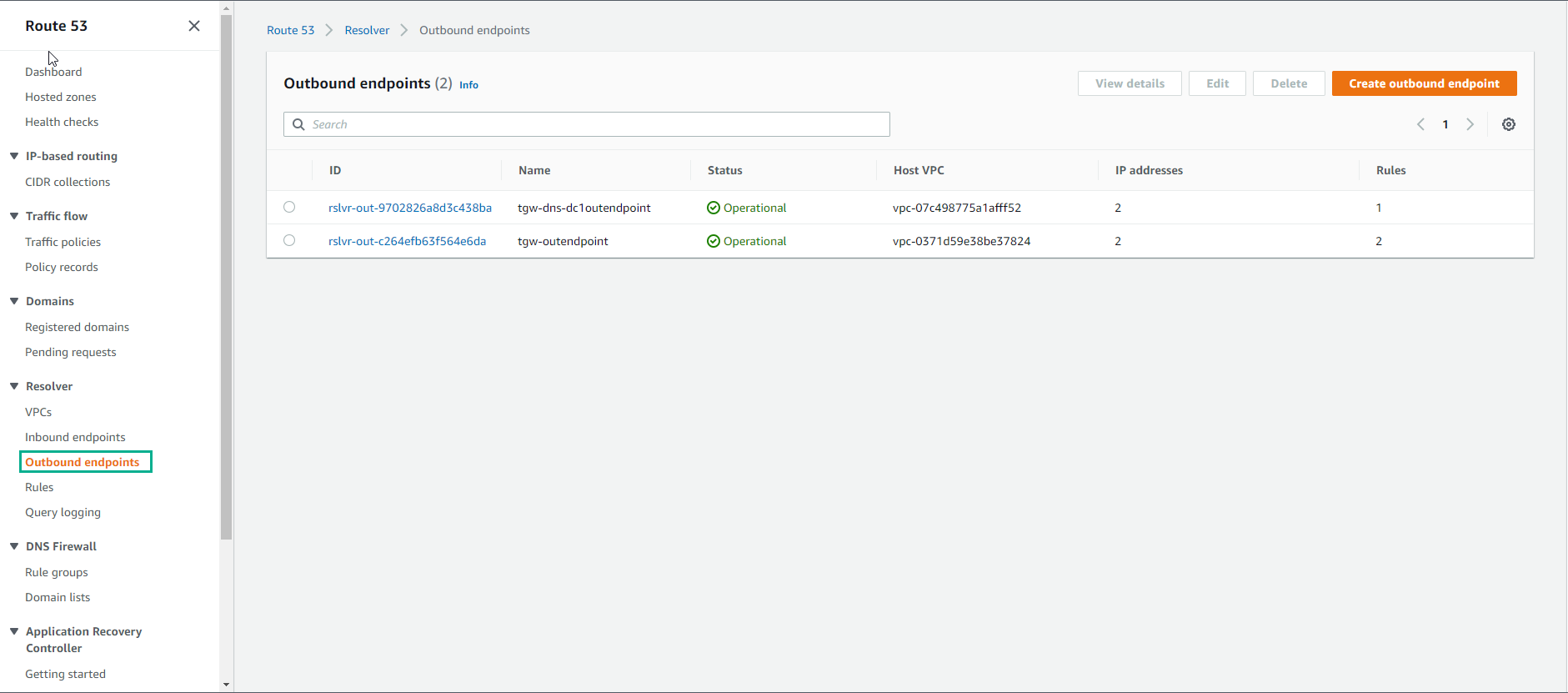
- Select Outbound endpoints
- Select tgw-dns-dc1outendpoint
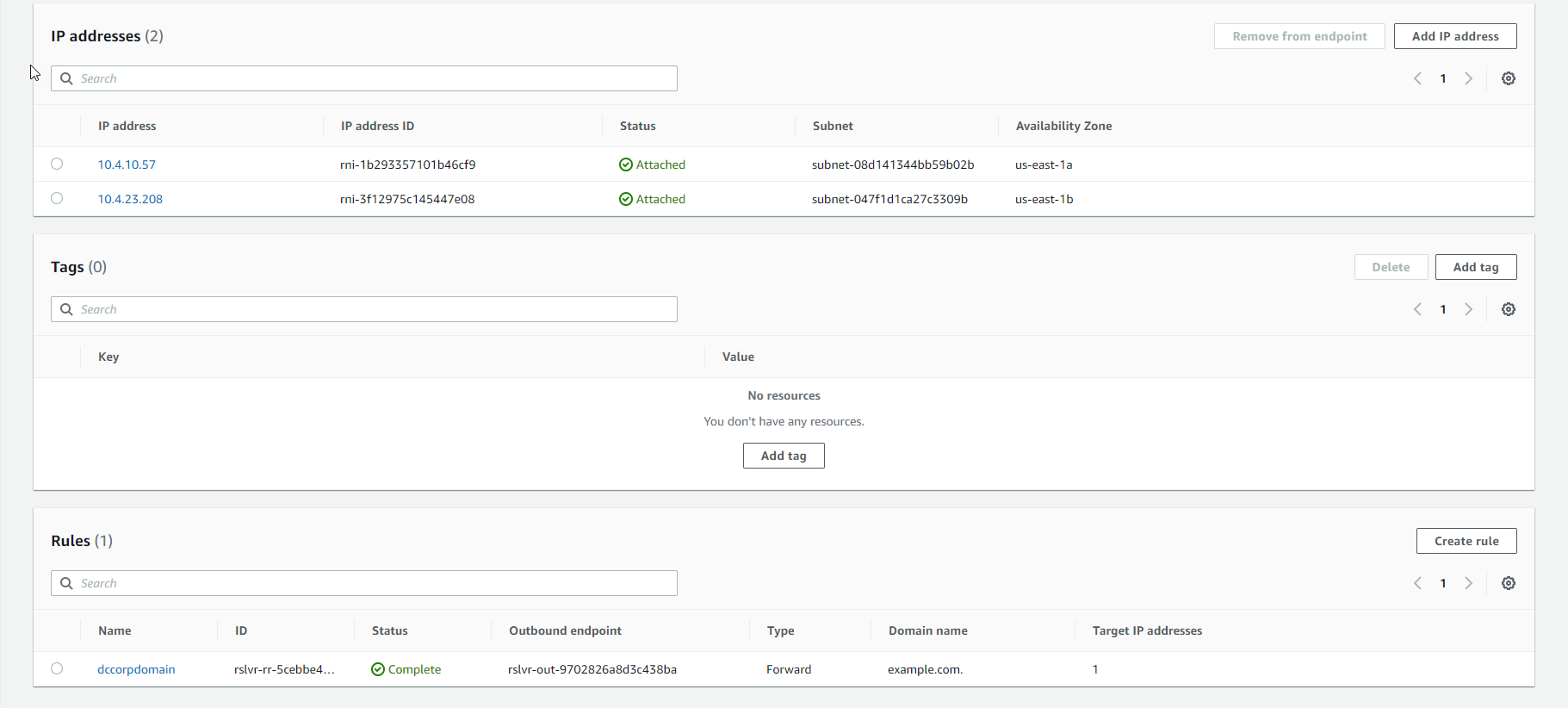
- Select rule to display
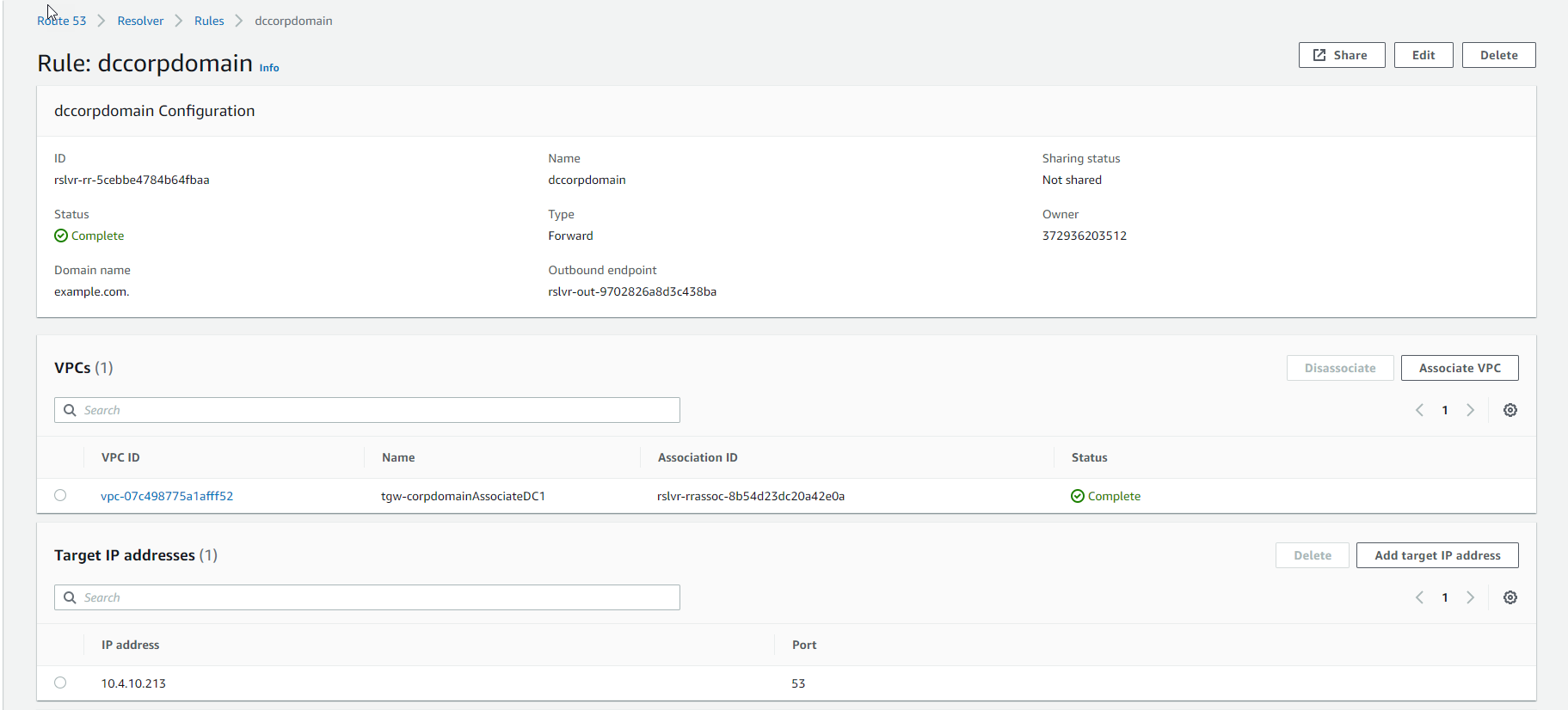
- Start session with DC1-tgw-BIND, select Start session
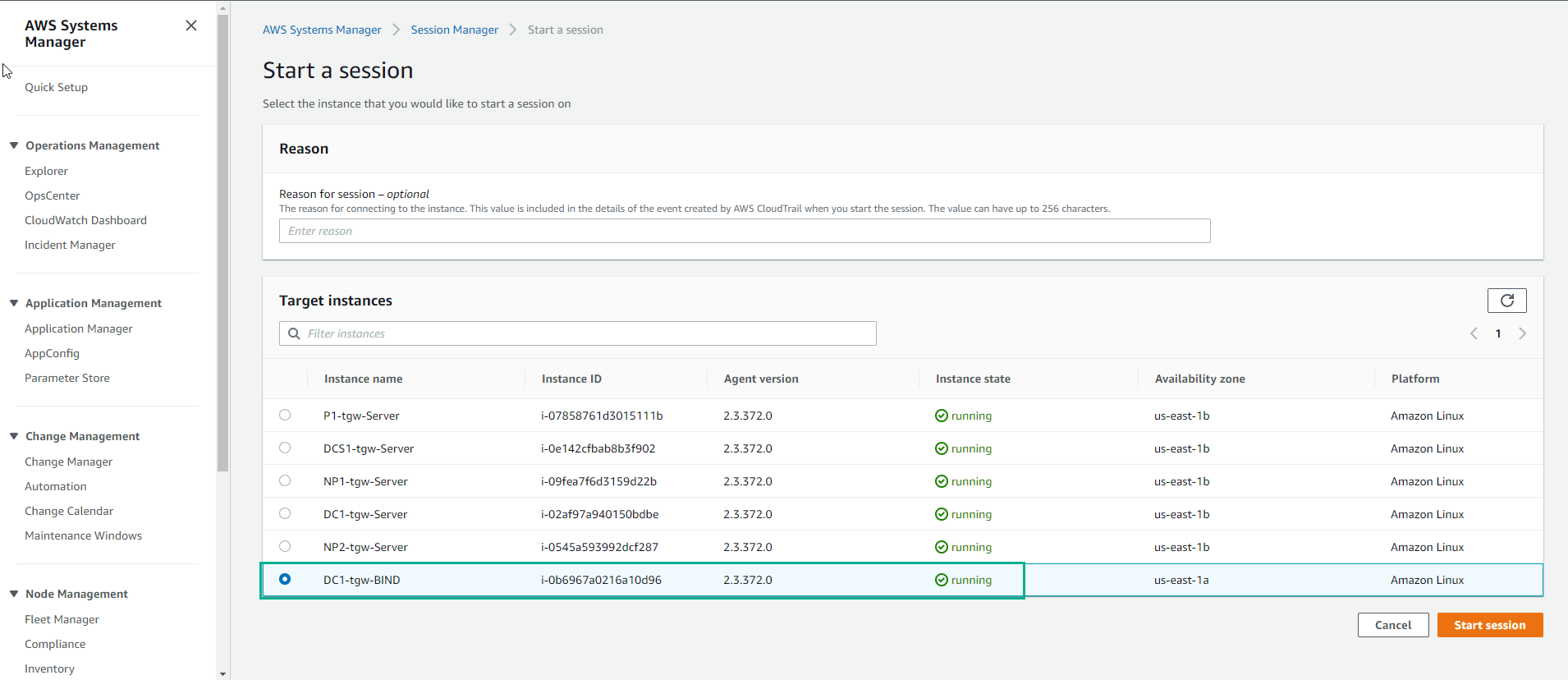
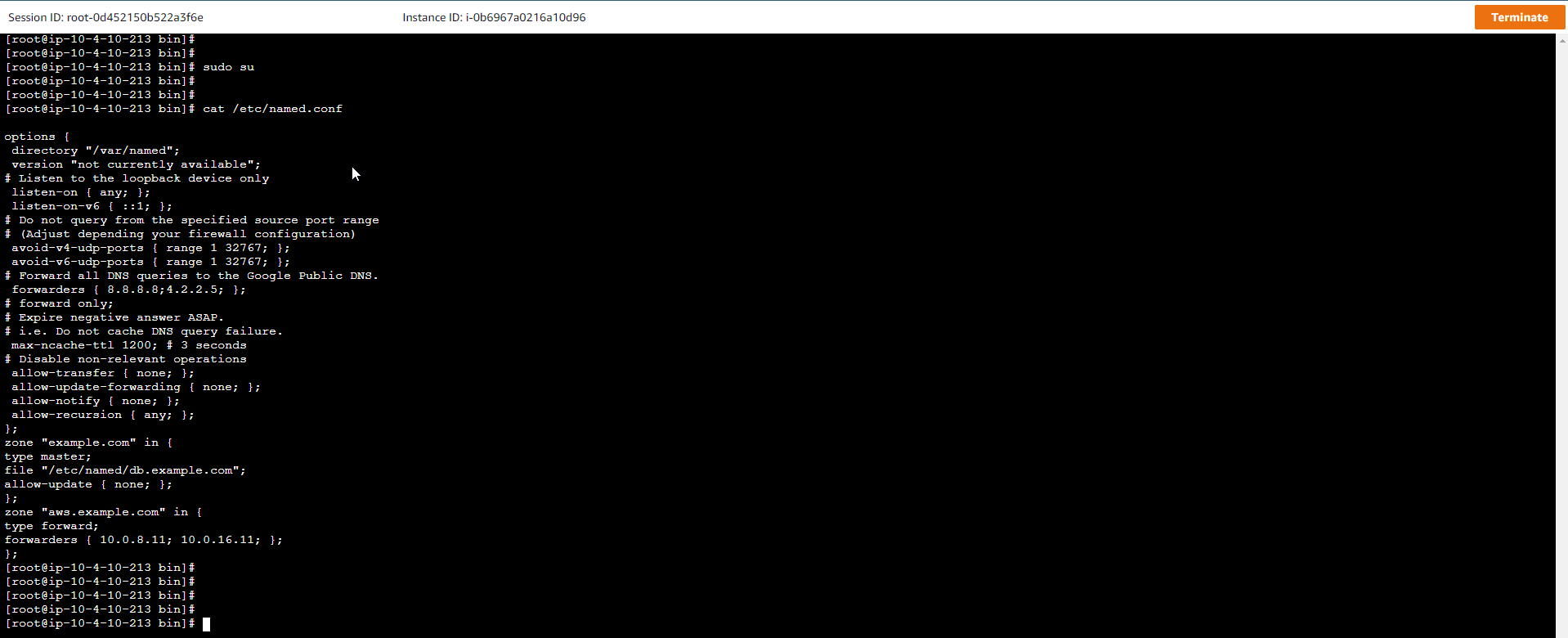
- Execute the following commands:
sudo su
cat /etc/named.conf
- Go to Inbound Endpoint, select Ednpoint to display.
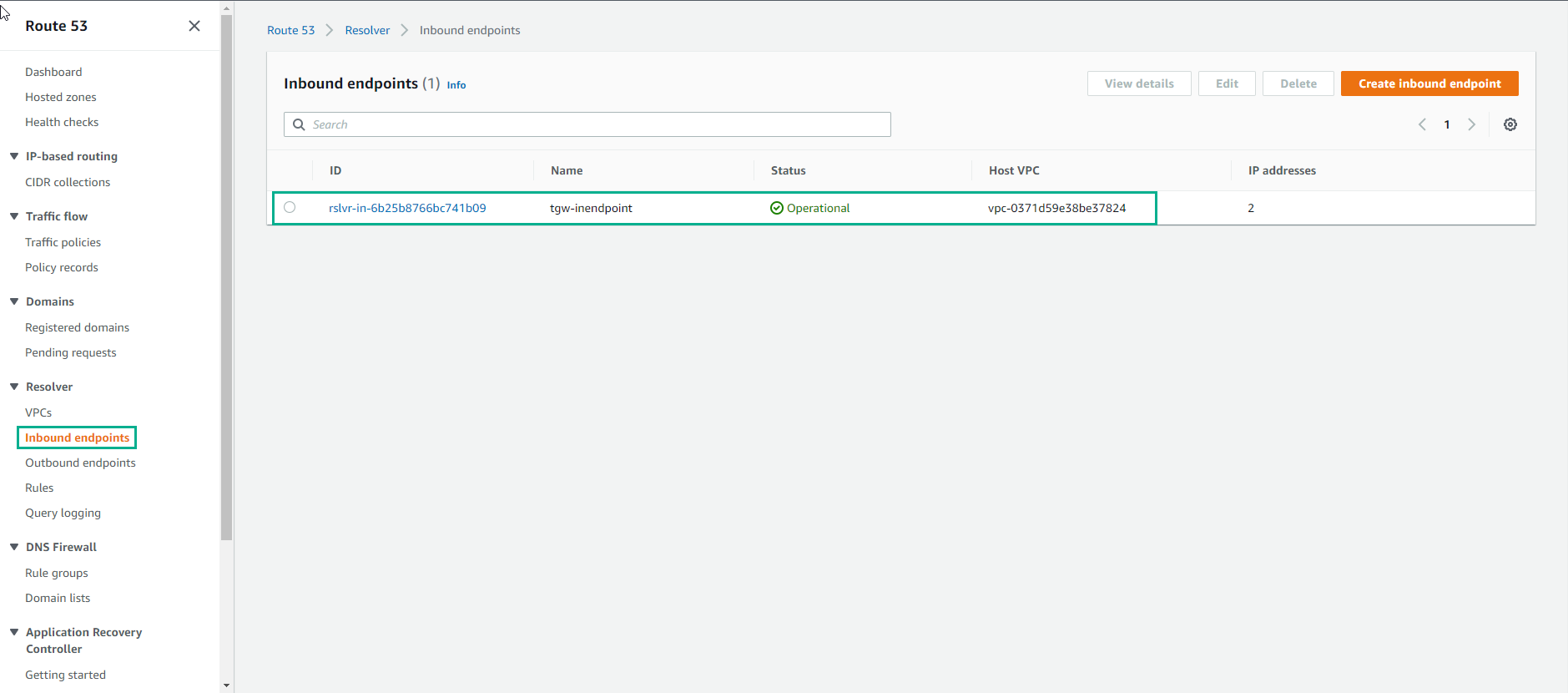
- View details Inbound Endpoint
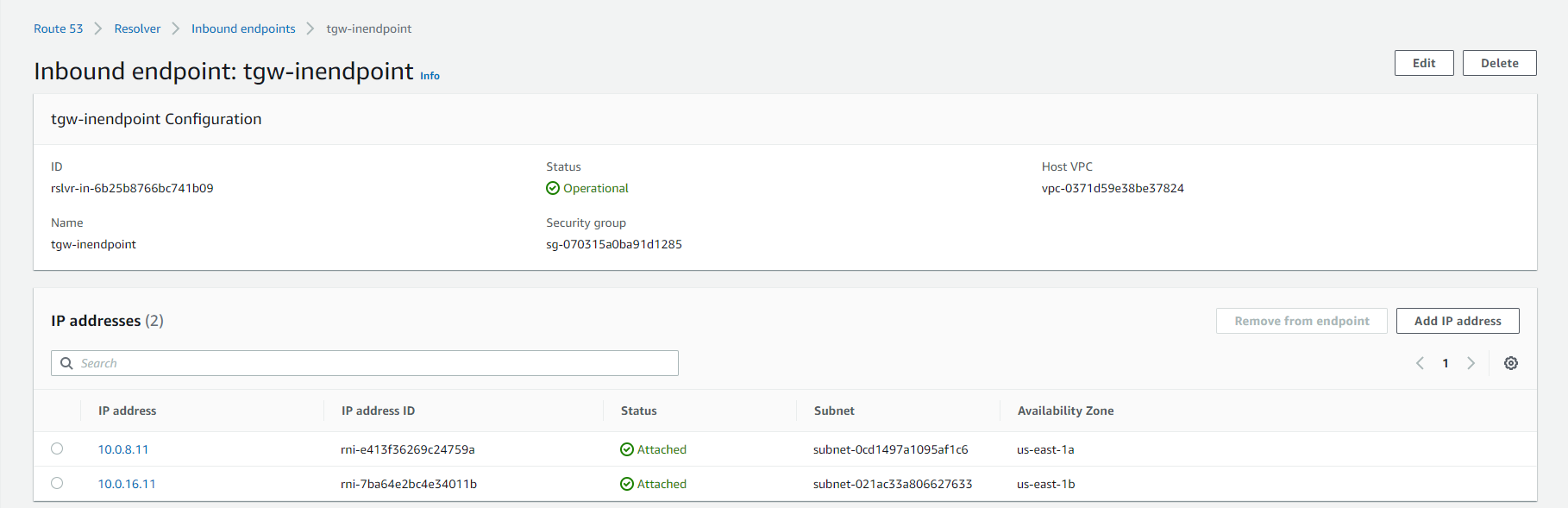
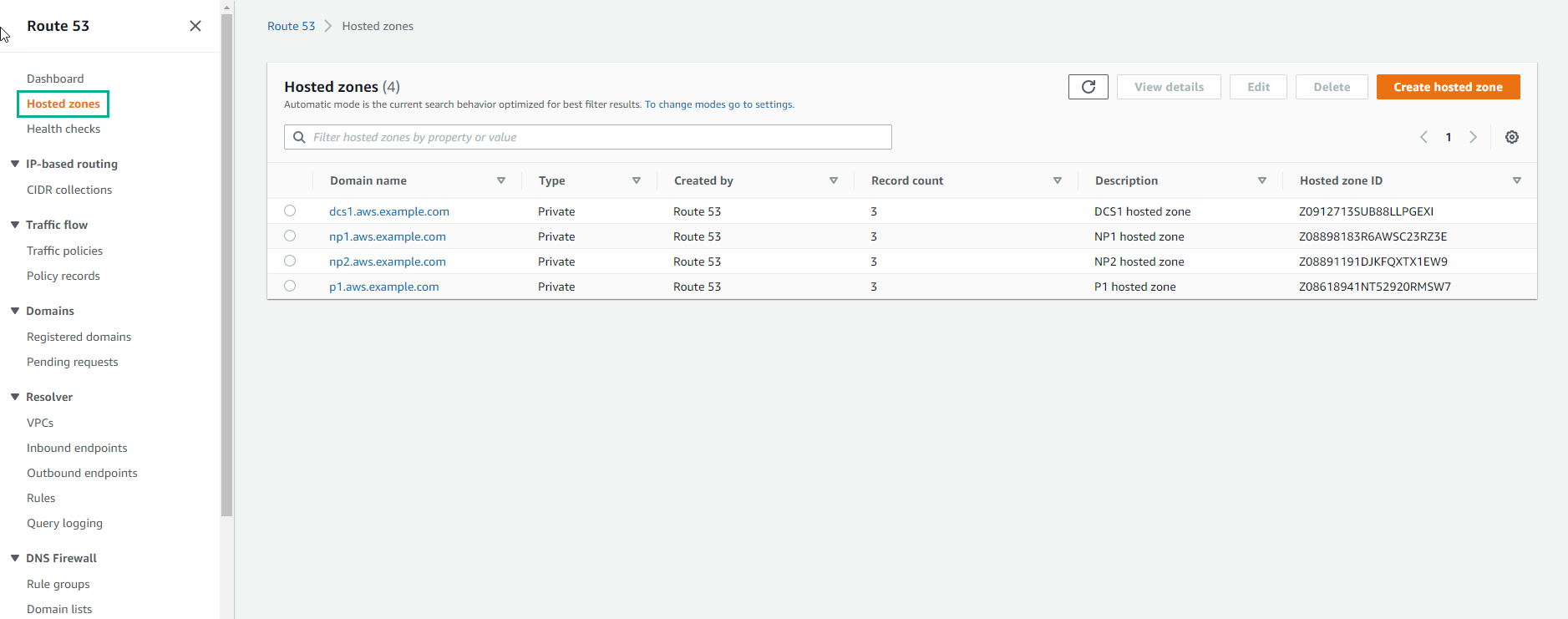
- Go to Route 53, select Hosted zones, we will see the created domain names.