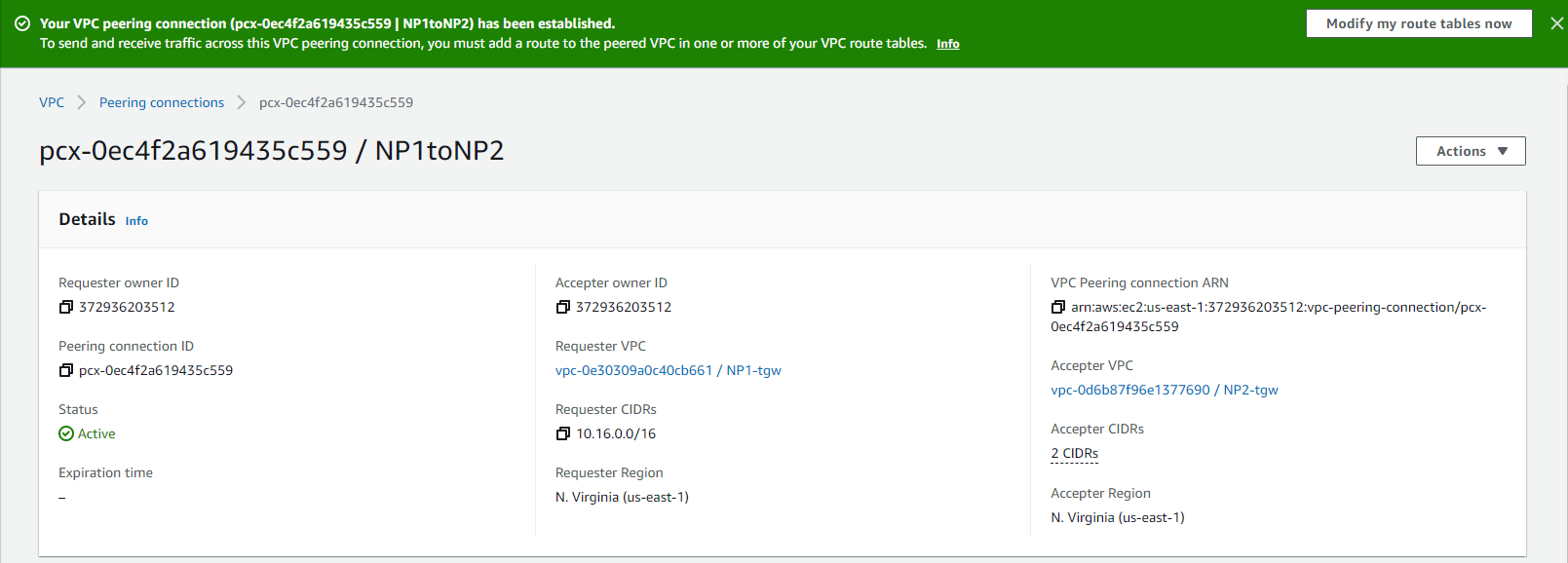
VPC Peering Request
VPC Peering Request
-
Access to VPC
- Select Peering connections
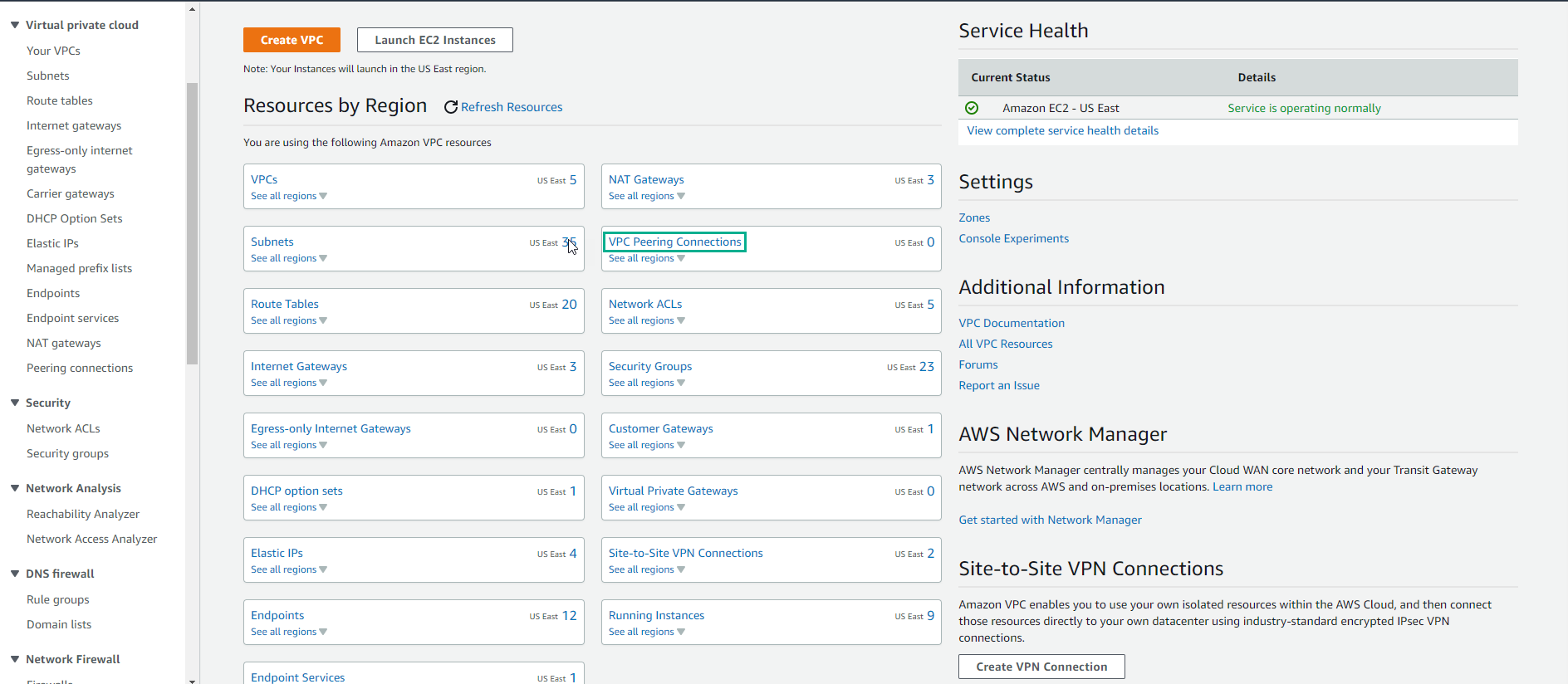
Peering Connections allow us to connect two VPCs, even in other AWS Accounts. We will focus on the local region, but you can also create cross-region VPC peering.
-
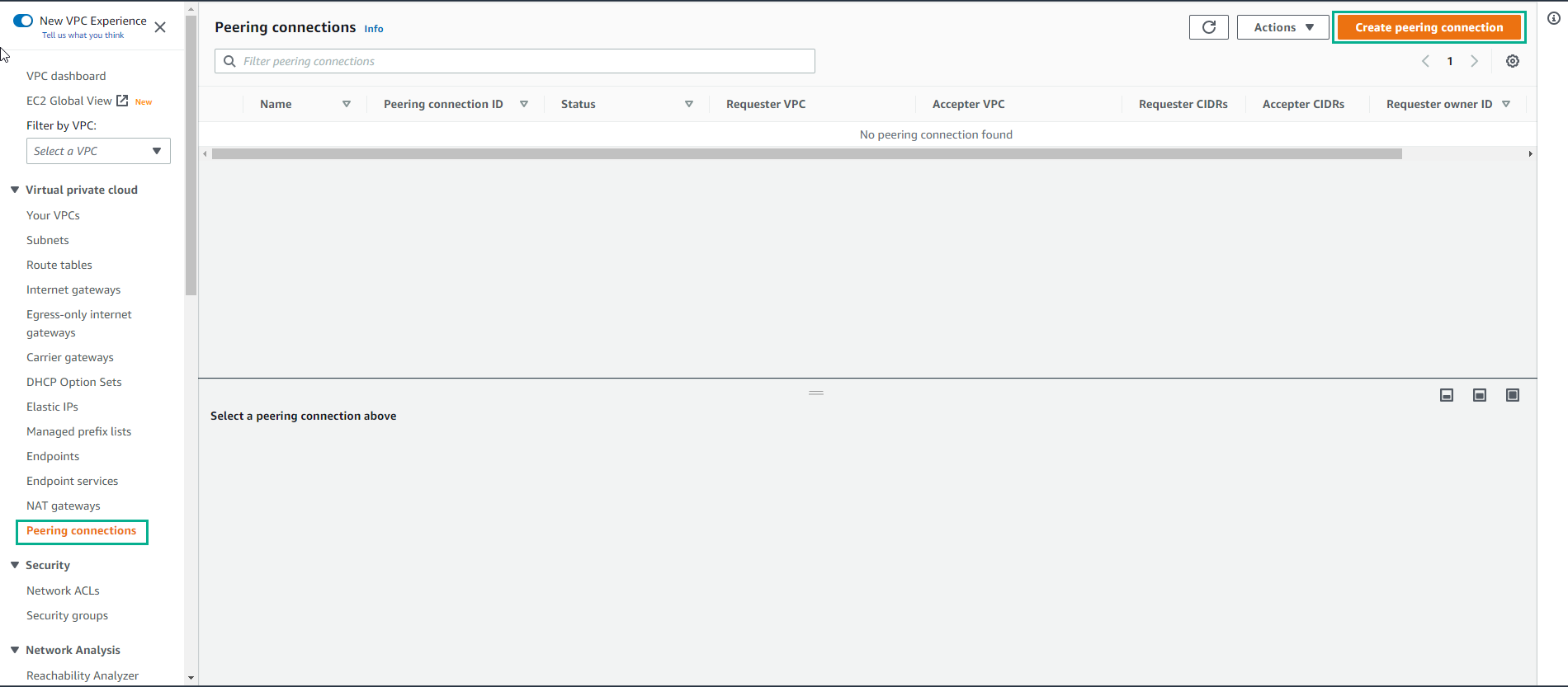
In the Peering Connection interface
- Select Create Peering connection
-
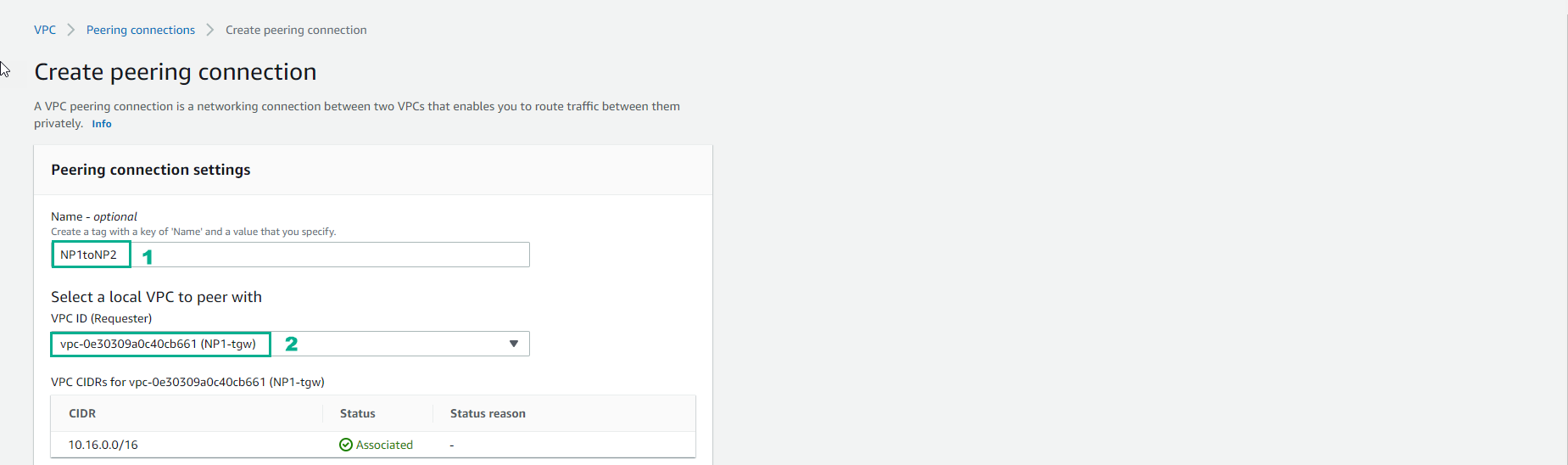
In the interface Create peering connection
- Enter Name NP1toNP2
- Select VPC ID select NP1-tgw
-
Continue configuration
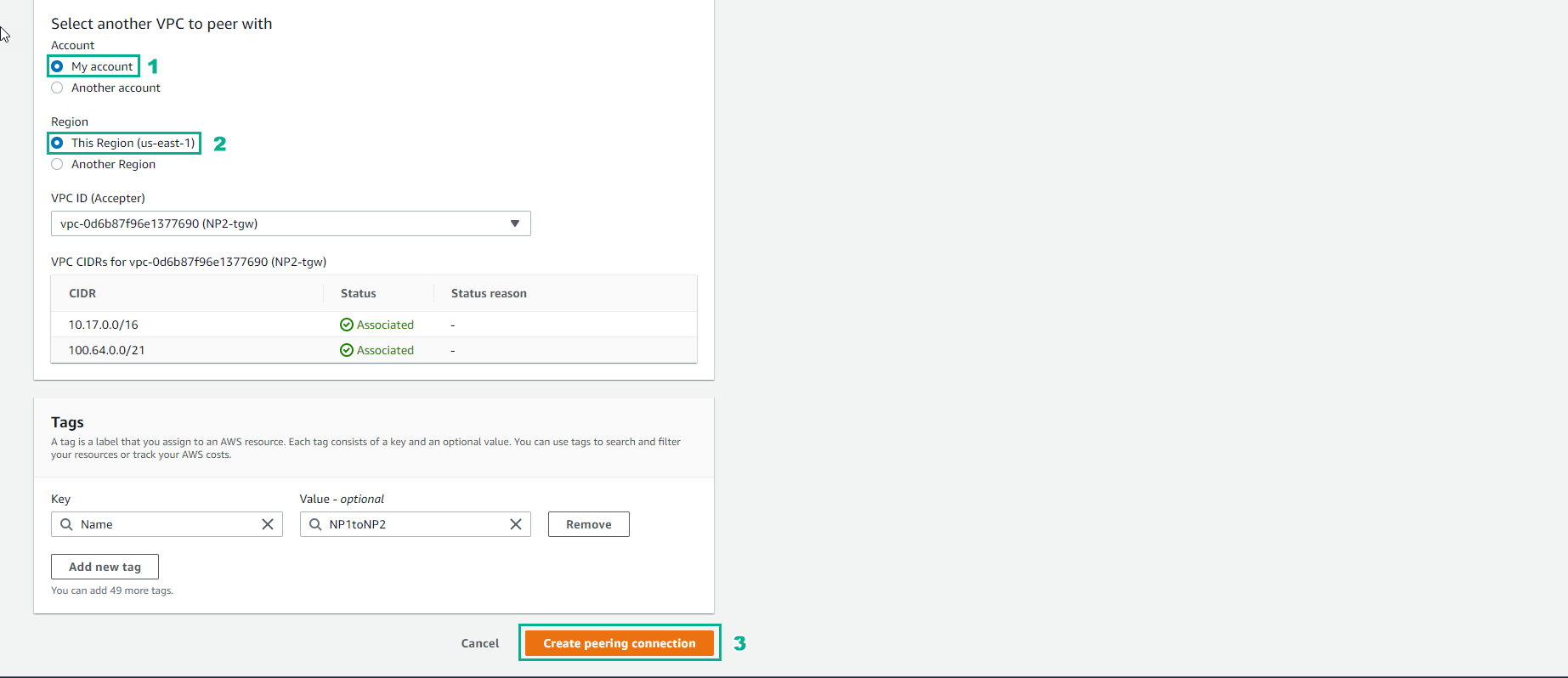
- In the Select another VPC to peer with section, select My account
- Region, select 5 us-east-1
- Select VPC ID, select NP2-tgw
- Select Create peering connection
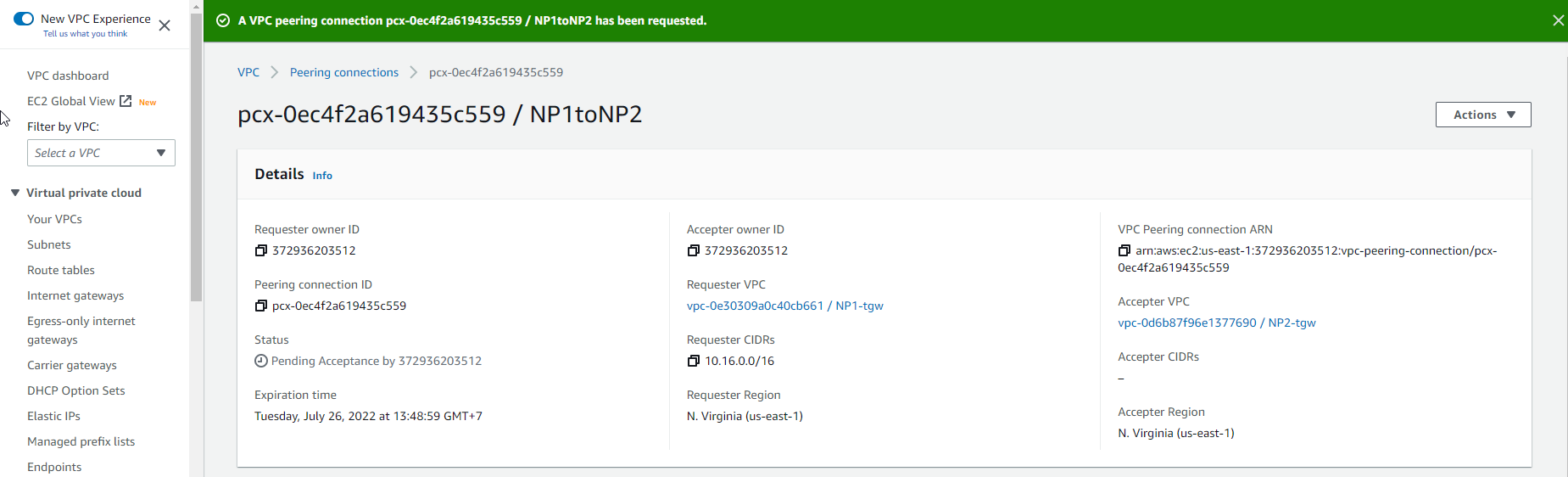
- Create VPC Peering successfully.
- We will make Accept request
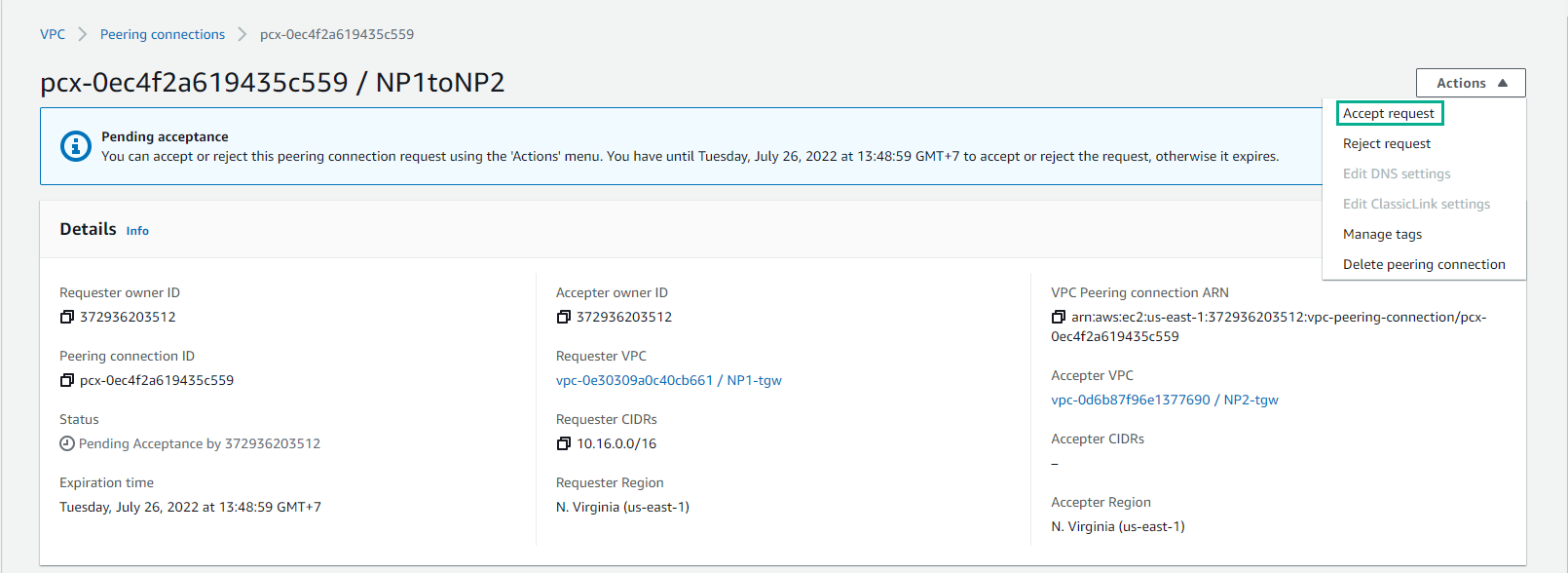
- Select Accept request
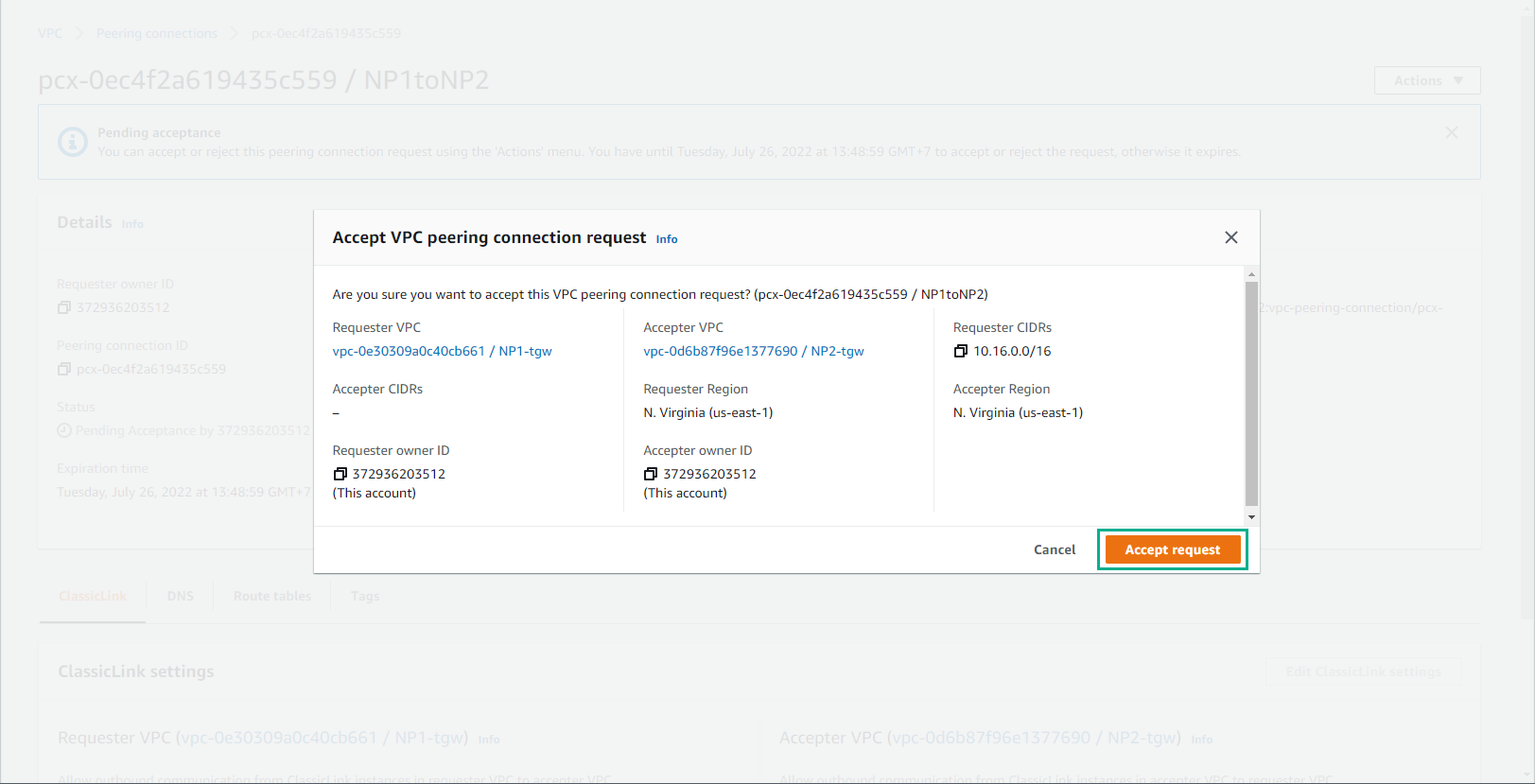
- Complete initialization of Peering Connect between NP1 and NP2